
Have you ever tried to find a needle in a haystack? Going through the millions of publicly available SEC filings mimics the feeling. SEC EDGAR uploads roughly 3,000 filings each day and averages 40,000 new filers per year. That is a lot of hay to go through if you just want one 10-Q filing, but SEC Filing Data is your magnet. Our SEC filing search tool filters through millions of filings so you don’t have to. You can also download each SEC filing as a PDF to save for later. If there is a company or filing you want to stay up to date on, you can sign up for our free SEC Filing email alerts! Our SEC filing email alerts deliver the filings you need straight to your inbox so you only have to search once.
Note: To use the search tool, you must have an SEC Filing Data account. Log in or sign up for your free SEC Filing Data account to get started.
Finding SEC Filings
SEC Filing Data offers three ways to find your SEC filings. Our Company Search lets you see the latest SEC filings from your favorite companies. If you just want a specific form type (such as a 10-Q or 10-K filing), you can search by form type. Finally, our Filing Insights links you straight to quarterly reports, annual reports, and even late SEC Filings.
Searching by Company
1. Go to secfilingdata.com and type your company name, ticker, or Click into the search box
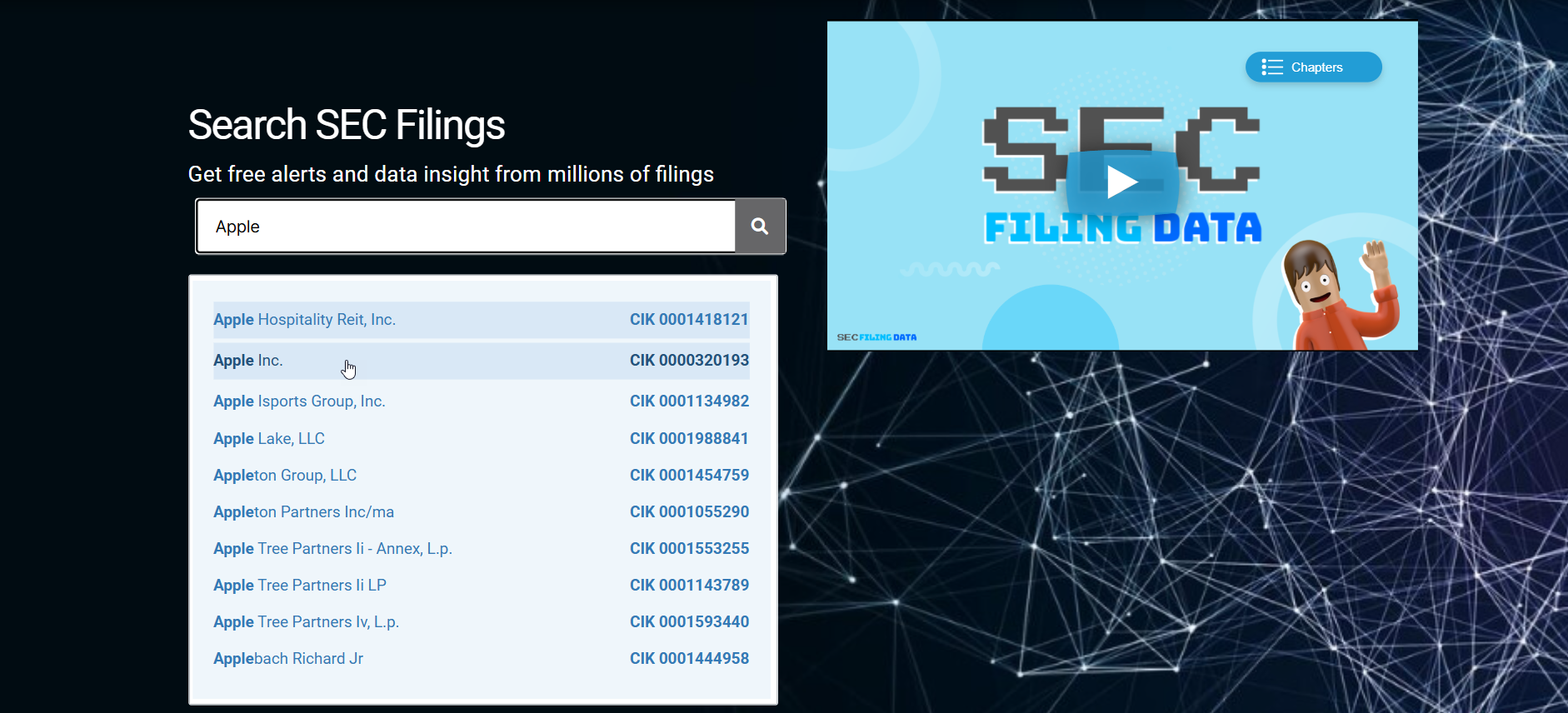
2. Press Enter on your keyboard or select the magnifying glass
3. Select your company name from the menu
4. Select All next to Form Type to open the drop-down menu
5. Select 10-K next to Form Type
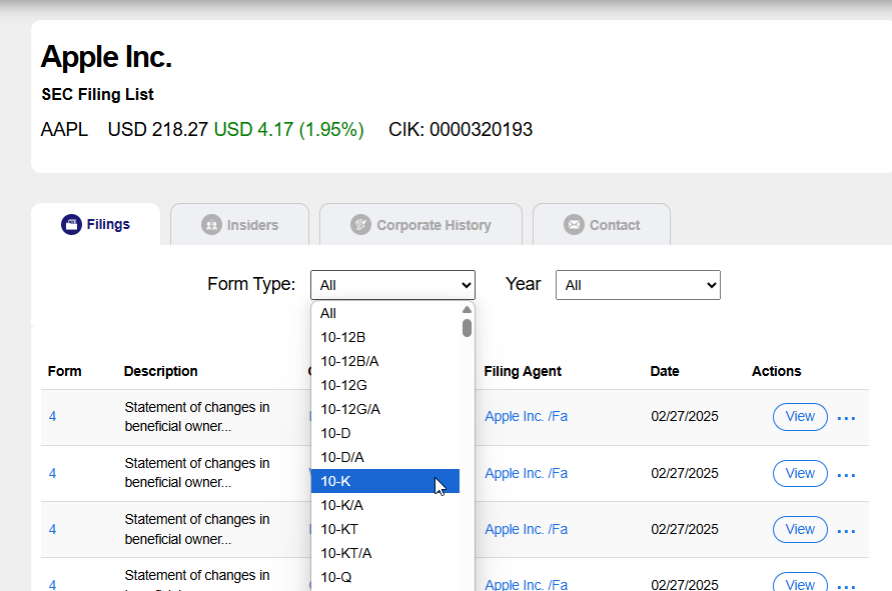
6. To view a specific SEC filing, select View under Actions
7. Optionally, download your SEC Filing
7.1. Select the three dots next to View
7.2. Select Download PDF
Tip: If your company is not in the search results, double-check its name. A company’s legal name can be different from its brand name. For example, Costco is Costco Wholesale CORP. You can find a company’s legal name in its copyright statements or its state registry.
Searching by Form Type
- Go to secfilingdata.com
- Select Forms List at the top of your page
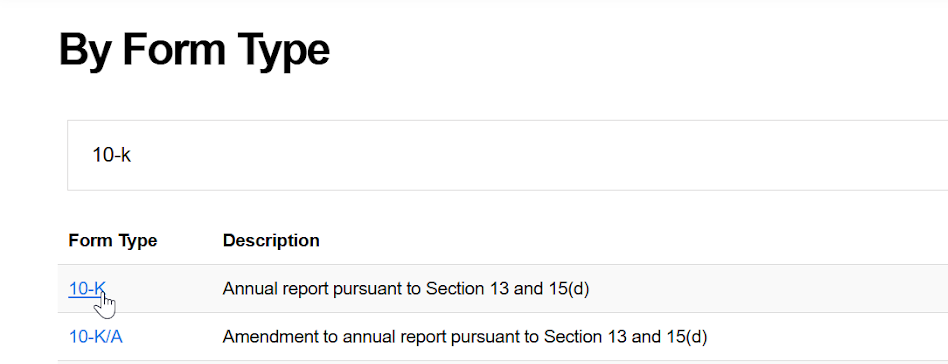
- Type your form type into the search bar
- Press Enter on your keyboard
- Below the search bar, select your form type from the search results

6. To view a specific SEC filing, select View under Actions
7. Optionally, download your SEC Filing
7.1. Select the three dots next to View
7.2. Select Download PDF
Searching Filing Insights
1. Go to secfilingdata.com
2. Select Filing Insights at the top of your screen
3. Select your filing insight (quarterly reports, annual reports, IPOs, etc.)
4. To view a specific SEC filing, Select View under Actions
5. Optionally, download your SEC Filing
5.1. Select the three dots next to View
5.2. Select Download PDF
Searching Within an SEC Filing
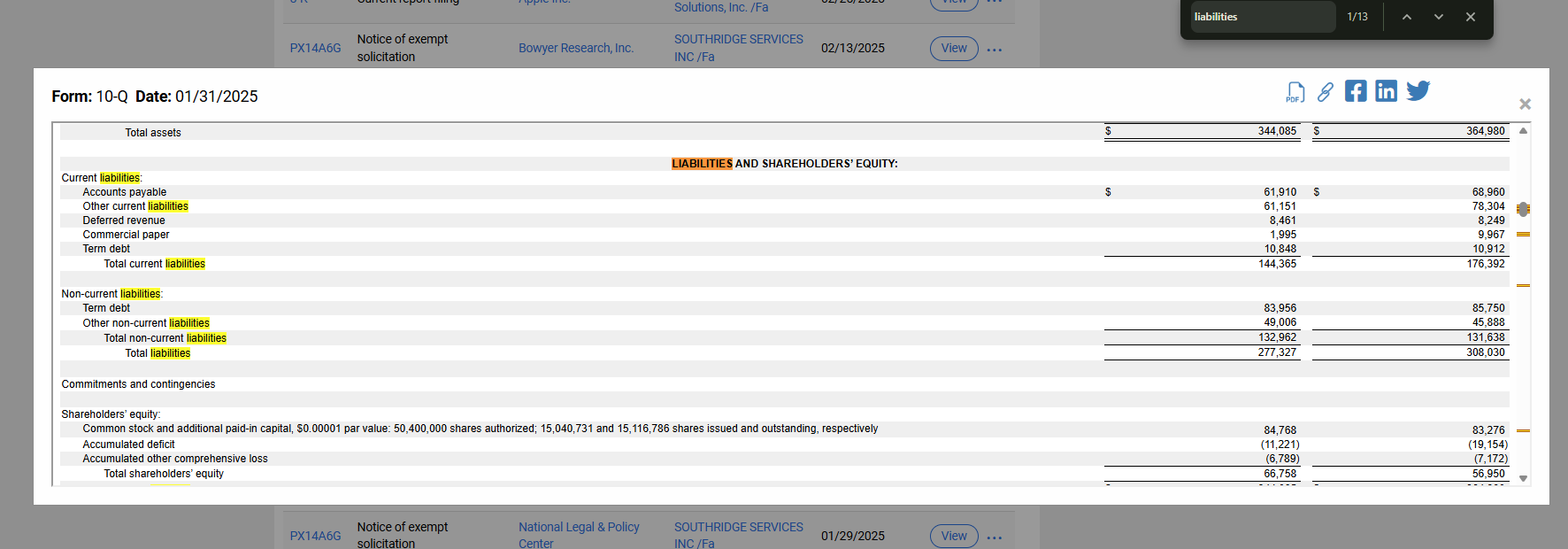
Since SEC filings are government documents, some can weigh in at over a hundred pages long. Luckily, our PDFs and online SEC Filings are searchable. You do not need to scour an entire document or scroll an entire novel’s worth of legal copy. The “Find” function can give you the information you need in seconds.
Using the “Find” function
1. View your SEC filing or open your SEC filing PDF
2. Press Ctrl+F for Windows or Command(⌘)+F for Mac on your keyboard
3. Type your search term into the search bar
4. Press Enter on your keyboard
Tip: If your search term provides too many results, add a space before the term.