
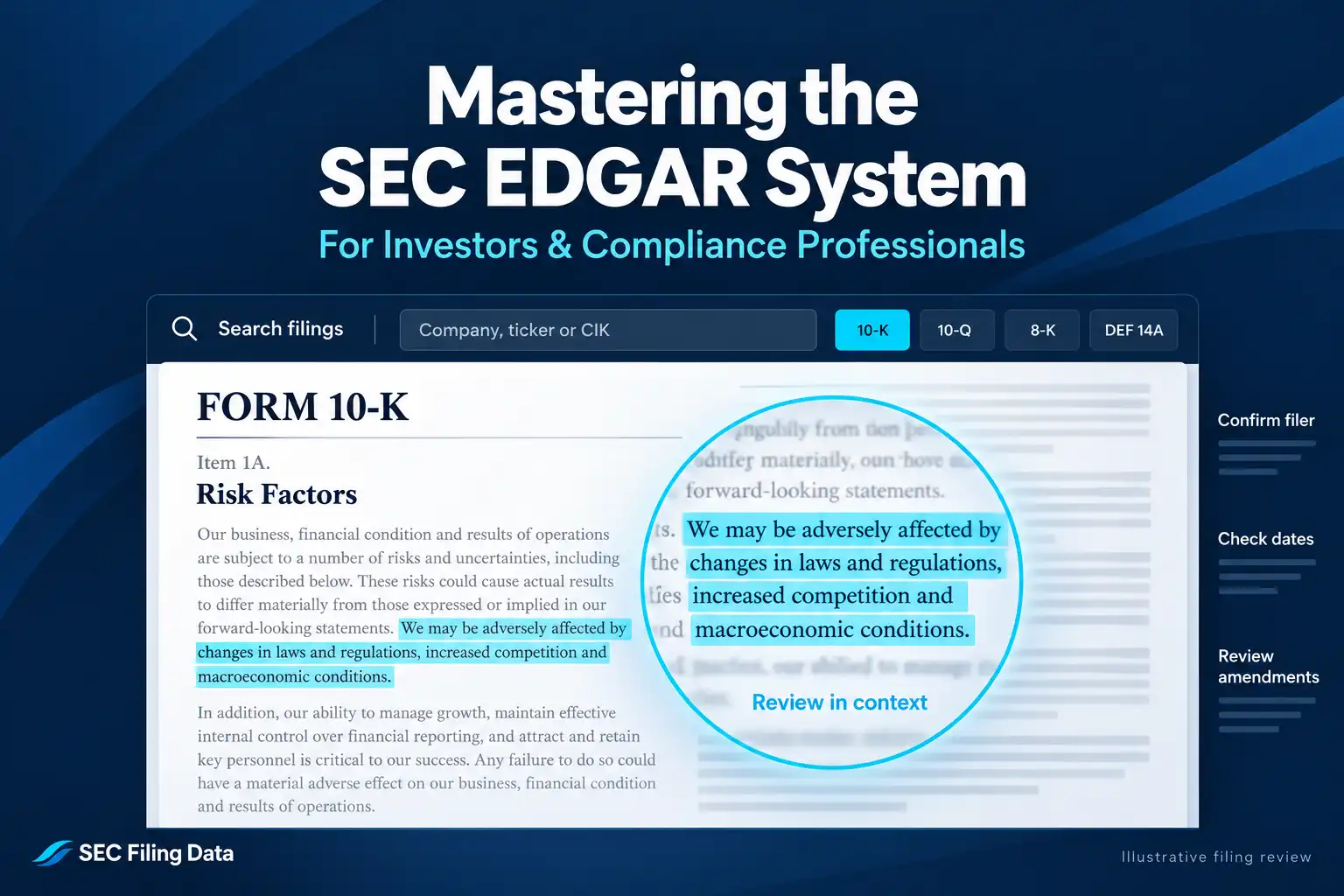
The SEC EDGAR system is the U.S. Securities and Exchange Commission’s public filing database. It gives investors, analysts, and compliance teams access to company disclosures, ownership reports, registration statements, and other records submitted to the SEC. A good search starts with the right filer, narrows results to the right form and period, and ends with a careful read of the original document.
EDGAR is a source of filed information, not a recommendation engine. A filing can help answer a research or monitoring question, but it does not tell you whether a security is suitable for you or predict how its price will move.
What EDGAR contains
EDGAR stands for Electronic Data Gathering, Analysis, and Retrieval. The SEC uses it to receive and make public filings from companies and other filers. The public can search and read filings without charge through EDGAR.
The database includes periodic financial reports, current-event disclosures, registration statements, proxy materials, ownership filings, and fund disclosures. A filing may contain a main document and attachments called exhibits. For example, an 8-K may summarize an event while an attached agreement provides details of its terms.
EDGAR search tools answer different questions. Company search is useful when you know the filer. Full-text search helps locate words and phrases inside filings. The SEC currently describes its Full Text Search as covering more than 20 years of filings, with filters for date, company, person, filing category, and location. Results identify potential documents; the filing itself supplies the context.
Choose a filing type that fits your question
Knowing the form type makes a search faster. These common forms are useful starting points:
| Form | What it generally contains | Common research use |
|---|---|---|
| 10-K | Annual report with audited financial statements, risk factors, and management’s discussion and analysis (MD&A) | Review a company’s annual disclosures and compare years |
| 10-Q | Quarterly report with unaudited interim financial statements, MD&A, and updates on material risks | Check developments since the last annual report |
| 8-K | Current report covering specified material events and other required disclosures | Investigate an event and review its related exhibits |
| DEF 14A | Definitive proxy statement soliciting shareholder votes and disclosing meeting matters | Review proposals, governance, and executive compensation |
| Forms 3, 4, and 5 | Initial, changed, or annual/deferred beneficial-ownership reports by directors, officers, and 10% owners | Review reported ownership and transactions |
These descriptions are starting points, not substitutes for reading the filing. The SEC’s guide to using EDGAR to research investments explains common forms and where information may appear. A form with “/A” at the end, such as 10-K/A, is an amendment; check whether it changes or supplements the filing you found.
A practical EDGAR search workflow
1. Define what you need to find
Turn a broad goal into a specific question. “Research this company” is hard to search. “Find its latest annual report,” “check whether it disclosed a leadership change,” or “locate its filings about a named product” gives you a starting point.
Your question determines whether to search a company’s filing history or search text across filings. For the first, use company search. For the second, use Full Text Search.
2. Identify the correct filer
To look up a filer, use the SEC Filing Data’s EDGAR filing search, which accepts a company name, ticker symbol, or CIK. Review the matching results before selecting a company. Similar names, subsidiaries, funds, and former company names can lead to the wrong filer.
When available, confirm the Central Index Key (CIK), the SEC’s unique identifier for a filer. The CIK helps distinguish entities and follow a filer’s record when its name changes. The SEC notes that a CIK may be associated with multiple historical names, so confirm the filer’s identity as well as its number. For repeat or programmatic company matching, SEC Filing Data’s SEC Filing Mapping API documentation describes resolving supported names, tickers, and CIKs to company details.
3. Select a form and a date range
Filter the results by form type when you know what disclosure is relevant. Add a filing-date range to limit a long list or compare a defined period. Keep filing date separate from reporting period: a quarterly report filed in May, for example, may cover a period that ended in March.
If you are unsure of the form type, start with the company’s recent filings and read the form descriptions. For a 10-K workflow, SEC Filing Data has a separate guide on how to search for a specific 10-K filing.
4. Search text when you need a particular topic
Use Full Text Search to find a phrase or subject inside filings. Search terms should reflect the language a filer might use. If “supplier disruption” returns nothing, try related terms such as “supply chain,” the supplier’s name, or “business interruption.” Add a company, form, or date filter to reduce unrelated results.
A text match is a pointer to a document passage, not proof that an event happened. Open the result and read the surrounding text, tables, footnotes, and any relevant exhibit.
5. Open and verify the filing
Before relying on a result, confirm the filer, form, filing date, reporting period, and amendment status. Open the filing’s document page and select the main filing or relevant exhibit. Record the filing link and the section, item, or table that supports your note.
For high-stakes work or an audit trail, also note the CIK and accession number when available. An accession number identifies a specific filing submission and helps colleagues return to the same record.
Useful takeaway: search results help you locate evidence; the filing and its surrounding context determine what that evidence says.
Examples: apply the workflow
Example 1: Find a company’s latest annual report
Suppose you want to review a public company’s most recent annual report.
- Search the company’s name or ticker on SEC Search Filings.
- Confirm the legal filer and CIK in the results.
- Filter the company’s filing list to Form 10-K.
- Check the filing date and period covered to make sure it is the report you want.
- Open the filing and use its contents to find sections such as Business, Risk Factors, Management’s Discussion and Analysis (MD&A), and Financial Statements.
- Check for a later amendment before using information from the original report.
This process helps an investor compare annual disclosures or helps a compliance professional locate the filed report for a defined review.
Example 2: Find filings about a topic
Suppose you need to find where a company discussed a cybersecurity incident.
- Start in Full Text Search and enter a distinctive phrase from the disclosure, or try relevant variations such as “cybersecurity incident” and “information security.”
- Add the company and a date range if you know them.
- Narrow by form type only if it fits the question; an event might appear in an 8-K, a later 10-Q, or another document.
- Open the matching filing and read the passage in context.
- Check for related exhibits, amendments, or later filings that update the disclosure.
If a search returns no match, do not conclude that the company never discussed the topic. The filer may have used different wording, or the relevant information may be in another filing or section.
How investors and compliance professionals use results
Investors may use filings to examine financial statements, management’s explanations, risk disclosures, ownership reports, or significant events. Comparing filings over time can help identify what changed and when. The analysis still requires judgment: a disclosed risk is not proof that the risk occurred, and the existence of a filing does not predict investment returns.
Compliance teams may use filing searches to locate a specific disclosure, check a filing history, or document the source and date of a review. A repeatable search record should capture the question, filer identity, forms and dates searched, search terms, and the filing passages reviewed. For teams retrieving filing metadata repeatedly, SEC Query API documentation explains its supported metadata searches and JSON response format. SEC Filing Data is a third-party provider; the SEC remains the original filing source.
Whether you are doing a one-off check or maintaining a documented review, retain the original SEC link and distinguish what the filing states from your interpretation. This makes it easier to reproduce a search, compare later disclosures, and explain how you reached a finding.
Frequently asked questions
Is EDGAR free to use?
Yes. The SEC provides free public search access to EDGAR filings through SEC.gov.
Does EDGAR include every company?
No. EDGAR contains filings submitted by SEC filers. A private company that does not have a filing obligation may have no public filing history there, and some information may be filed under a related entity’s name.
What is the difference between company search and Full Text Search?
Company search helps find filings associated with a filer. Full Text Search helps locate words and phrases inside filing documents. Choose the tool based on whether you know the filer or are searching for a subject.
Do search results confirm that a statement is true?
No. A result shows that a filing contains matching information. Read the full passage and related context, and verify important facts against the original filing and relevant later disclosures.
EDGAR is most useful when each search begins with a clear question and ends with a verified document. Confirm the filer, form, dates, and context, then keep the source with your research or compliance record.
