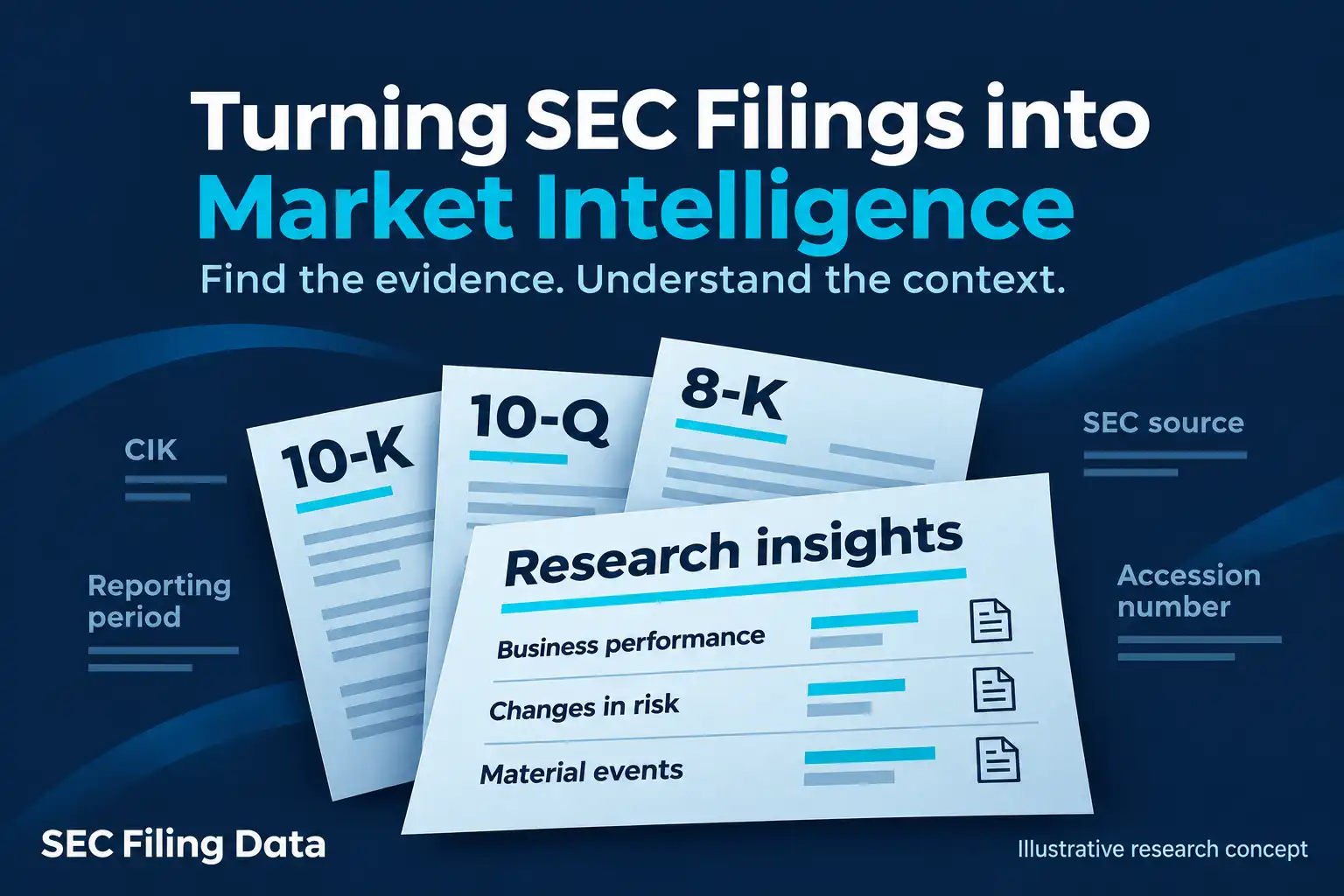
The Securities and Exchange Commission’s EDGAR database contains company and fund disclosures that can help investors, analysts, researchers, and developers answer specific questions. The challenge is turning a filing into reliable evidence: find the right filer and document, preserve its source and context, extract only comparable information, and separate what the filing says from what you infer.
SEC.gov is the source for EDGAR filings. SEC Filing Data is a third-party provider with tools for searching and working with SEC filing data. The EDGAR database can help you locate records; the process below explains how to turn them into a reviewable research workflow.
Workflow overview
- Research question
- Find filing and verify issuer/CIK
- Save source and accession details
- Extract facts and check units/periods
- Compare filings and read explanations
- Document evidence and monitor updates
1. Define the question and find the right filing
Start with a narrow question and a time frame. For example: Did AWS net sales grow faster than Amazon’s consolidated sales? Did a company change how it describes a risk? What document accompanied a recently filed 8-K?
The question helps identify the filing type:
- 10-K: annual report with audited financial statements, risk disclosures, and management’s discussion and analysis.
- 10-Q: quarterly report with interim financial statements and updates to results, risks, and operations.
- 8-K: current report about specified events, often with exhibits such as an earnings release or agreement.
- DEF 14A: proxy statement with shareholder-vote information and, in many cases, executive compensation and governance details.
- Forms 3, 4, and 5: insider ownership and transaction reports. A reported transaction may have many explanations; the form alone does not establish an insider’s motive.
- Schedules 13D and 13G: beneficial ownership reports for certain holders above a reporting threshold. The applicable filing requirements depend on circumstances and filer status.
Search by company name or ticker, then verify the legal entity and its Central Index Key (CIK). The CIK is a stable identifier that helps keep a search anchored to the same filer; tickers can change, and similar names can lead to the wrong entity. Include amendments, such as a form ending in “/A,” when they affect the question. The SEC’s guide to researching investments through EDGAR explains common forms and where disclosures may appear.
2. Save the source before you extract data
For each filing, record the filer, CIK, form, filing date, reporting period, accession number, SEC document URL, and the section, table, or exhibit relevant to your question. Filing date and reporting period are different: a report filed in February may describe a fiscal year that ended in December.
A filing detail page may link to the original HTML document, complete submission text, exhibits, XBRL files, and other attachments. A PDF can be a convenient rendering, but it is not the filing itself. Keep the SEC source link with any extracted figure so you can return to the original disclosure and verify its context.
For developers evaluating SEC EDGAR API access, the SEC provides public JSON APIs for company submissions and extracted XBRL facts. SEC describes these public data APIs as available without API keys, and asks automated users to comply with its fair-access guidance. A third-party alternative is SEC Filing Data’s Query API. Its documentation describes a POST JSON request, an authorization token in the Authorization header, and offset pagination through from and size (maximum 100 records per request). Results include filing metadata and SEC source links. The SEC Query API documentation lists supported search fields and request details.
A metadata query narrows the list of documents; it does not search every word in every filing. When your question depends on narrative, footnotes, exhibits, or how a number is defined, open and read the original document.
Public EDGAR search and access are free. SEC filing fees are separate: they apply to certain filer submissions, such as some securities registrations and transaction filings, rather than to investors searching or reading filings. For those filers, the SEC currently describes wire transfer and ACH, credit-card, and debit-card options through its filing-payment process. SEC filing fees and payment methods depend on the filing type and current instructions.
3. Extract facts with their context intact
To extract financial data from EDGAR filings, first identify the exact filing and the statement or note that answers your question. Then capture the reported concept, value, unit, period, filing date, and source. Check whether the fact covers a span of time (such as annual revenue) or a single date (such as year-end cash). Preserve custom tags and segment dimensions rather than silently treating them as standard company-wide values.
Inline XBRL tags and structured files can make standard financial statement facts easier to find and process. SEC Filing Data documents an XBRL-to-JSON converter that accepts a filing URL and outputs standardized financial statements in JSON. Treat converted data as an extraction aid: compare material values with the original filing, inspect the relevant units and periods, and check for amendments or company-specific definitions before using the result.
Amazon.com, Inc.’s Form 10-K, filed February 7, 2025, covers the year ended December 31, 2024. It reports AWS net sales and year-over-year growth as follows (sales in U.S. dollars):
| Fiscal year | Reported AWS net sales | Reported year-over-year growth |
|---|---|---|
| 2023 | $90.757 billion | 13% |
| 2024 | $107.556 billion | 19% |
The table shows the change in reported segment sales. Amazon attributes 2024 AWS growth primarily to increased customer usage, partly offset by pricing changes, mainly those driven by long-term customer contracts. That is management’s explanation; the table alone cannot establish causation, future demand, or segment profitability.
4. Compare like with like, then read the explanation
A useful comparison table has one row per issuer and period, with columns for form, filing date, reporting period, metric, value, unit, source, and notes. Before calculating growth or comparing companies, check that the periods, units, definitions, and accounting scope align. Fiscal years do not always match calendar years, and similarly named metrics may not mean the same thing across issuers.
Apple Inc.’s Form 10-K filed October 31, 2025, for the fiscal year ended September 27, 2025, reports iPhone net sales of $209.586 billion and Services net sales of $109.158 billion. Services net sales were $96.169 billion in fiscal 2024. These figures support a comparison of Apple’s reported category sales across fiscal years; they do not show unit volumes, customer retention, or category profitability. Apple notes that Services net sales include amortization of deferred value for certain bundled services, illustrating why the accompanying note matters.
For narrative analysis, compare the same section across filings. Read management’s discussion alongside the statements and related notes. A risk-factor change can be a useful lead for investigation, but wording alone does not prove that the risk occurred or quantify its effect on future results.
5. Monitor new disclosures with a clear rule
A monitoring workflow needs an identified filer, selected forms, a review cadence, and a rule for what qualifies as relevant. An analyst might review new 8-K filings from a watchlist, flag selected items, read each relevant exhibit, and add a dated evidence note to an event log. The output is a traceable record of what appeared, when it was filed, and what the source document states.
Tesla, Inc.’s Form 8-K dated January 29, 2025, shows why reading beyond the filing label matters. Under Item 2.02, Tesla said it released results for the quarter and year ended December 31, 2024; the full update was attached as Exhibit 99.1. Tesla also said the information was furnished under Item 2.02 and was not deemed “filed” for specified purposes. The 8-K directs the reader to the update, but the disclosure alone does not establish how the market will respond.
Free SEC APIs and third-party products support different workflows. The SEC’s submissions and XBRL APIs provide company filing history and extracted facts; a developer building a larger system must handle retrieval, context, storage, and comparison. SEC Filing Data provides separate search and conversion services, but coverage and access details vary by endpoint. Check the documentation for the forms, fields, historical coverage, authentication, and pagination you need before integrating a service. SEC’s EDGAR API documentation describes the official APIs and fair-access expectations.
Filing-review checklist
- Verify the issuer and CIK.
- Confirm the form and any relevant amendment.
- Record the accession number, filing date, and reporting period.
- Save the original SEC source URL and relevant section or exhibit.
- Confirm each figure’s label, unit, and period.
- Compare like periods and definitions.
- Review notes, exhibits, and management’s explanation.
- Keep reported facts distinct from your interpretation.
- Record what to monitor next.
Turn filings into a reviewable research process
For investors and analysts, EDGAR data analysis tools can make discovery, extraction, comparison, and monitoring faster. The strongest output is still a source-linked note or dataset that records the question, filer, filing, evidence, periods and units, and your interpretation separately. That trail makes research easier to update and helps prevent a filing date, amended value, or extracted tag from being mistaken for a complete conclusion.
A filing can support a fact-based question; it cannot, by itself, predict market movements, prove causation, or guarantee an investment result.
If your team needs a repeatable filing-data workflow, explore SEC Filing Data’s SEC filings API and compare its documented services with your search, extraction, or monitoring requirements. Check plan and licensing terms for your intended use.
