
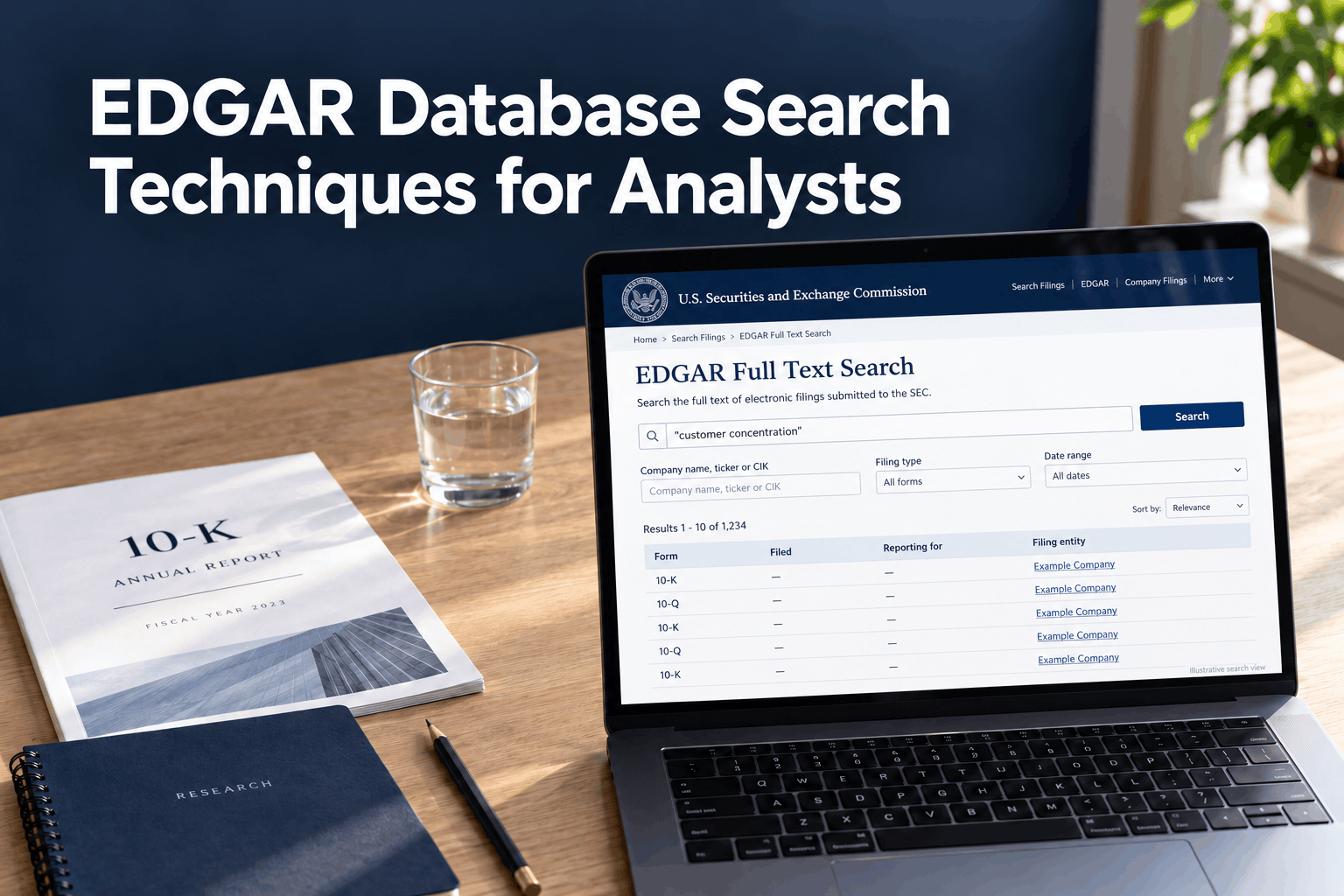
EDGAR is most useful when you treat it as a research system rather than a document warehouse. A disciplined search starts with the right filer, narrows filings by form and date, reads the relevant sections and exhibits, and then checks each finding against the filing record and underlying context.
The SEC’s free EDGAR tools support company searches and full-text searches across electronic filings going back to 2001. The full-text index includes filing attachments, and it supports Boolean operators, phrase matching, and limited trailing wildcards. Search results are leads: the filing itself remains the evidence.
Analyst workflow at a glance
- Research question
- Identify filer
- Confirm CIK
- Choose form
- Set date range
- Run search
- Read filing
- Verify evidence
- Document findings
1. Define the question before you search
Write down the decision or fact you need to investigate. “Review the company” is too broad. More useful questions are: Did management change its revenue outlook? What does the company say about customer concentration? Was a debt covenant amended? Did an executive report an open-market sale?
The question determines the search path. A trend across operating results usually starts with 10-K and 10-Q reports. A material event may be in an 8-K and its exhibits. Executive ownership activity points to Forms 3, 4, and 5. Institutional holdings often call for Forms 13F, while beneficial ownership changes may appear on Schedules 13D or 13G. These filings answer different questions, so do not treat one form as a substitute for another.
2. Resolve the filer before reviewing results
Search by company name or ticker to find the issuer, then confirm its legal name and Central Index Key (CIK). The CIK is the stable identifier assigned to a filer; the SEC says it is unique and is not recycled. Tickers can change, and similar company names, subsidiaries, funds, and predecessor entities can produce misleading matches. Use the CIK to anchor a historical search and confirm that the filing entity is the one relevant to your question.
For a public company, start at the SEC’s company search. If you are exploring a theme across issuers, use Full-Text Search and add an entity filter when appropriate. If the filer is a fund, investment adviser, or individual, first confirm which EDGAR search tool and filing types cover that entity.
SEC Filing Data also offers a company, ticker, or CIK lookup through its SEC Edgar Search. Treat any third-party search interface as a discovery aid; confirm important facts in the SEC filing and retain its SEC source link.
3. Choose the form type that fits the question
Common forms provide different levels and kinds of evidence:
| Research goal | Relevant forms | What to look for |
|---|---|---|
| Earnings trends | 10-K, 10-Q | Annual and quarterly results, MD&A, financial statements, and related notes. |
| Major events | 8-K | Specified material events and any relevant exhibits or attachments. |
| Insider activity | Forms 3, 4, 5 | Reported beneficial ownership and changes by directors, officers, and other reporting insiders. |
| Institutional holdings | 13F-HR | A manager’s reported holdings snapshot for the reporting period. |
| Beneficial ownership | Schedules 13D, 13G | Ownership disclosures and amendments; the applicable schedule depends on the filer’s circumstances and reporting requirements. |
| Executive compensation | DEF 14A | Proxy disclosures about named executive compensation and shareholder matters. |
- 10-K: Annual report, including audited annual financial statements, management’s discussion and analysis (MD&A), and risk factors.
- 10-Q: Quarterly report, with unaudited interim financial statements and updates to the company’s discussion of results and risks.
- 8-K: Current report for specified material events. Read the item heading and any attached exhibit; the relevant detail may be in an exhibit rather than the short body of the 8-K.
- DEF 14A: Definitive proxy statement. Useful for matters submitted to shareholders and disclosures such as executive compensation.
- Forms 3, 4, and 5: Beneficial ownership reports for directors, officers, and certain other insiders. A Form 4 reports specified changes in beneficial ownership; read transaction codes and footnotes before describing a transaction as a purchase or sale.
- 13D and 13G schedules: Beneficial ownership disclosures, with different reporting circumstances and requirements. Check amendments as well as initial filings.
- 13F-HR: A quarterly institutional investment manager holdings report. It is a reported snapshot, not a complete real-time portfolio or proof of a manager’s current investment view.
- 20-F and 6-K: Common forms for foreign private issuers; they are not exact equivalents of a domestic issuer’s 10-K and 8-K in every respect.
Form descriptions and obligations can change, and exceptions apply. The SEC’s form list is the authority for a form’s current filing requirements. An amendment marker such as “/A” matters: include amendments when you need the latest version or a complete history.
If you need a quick lookup of less familiar form labels, the SEC filing Form List provides searchable form names and descriptions. Verify legal or reporting interpretations against the SEC’s official form instructions.
4. Set filing-date and reporting-period boundaries
Choose a date range that matches the question, and distinguish two dates in the results:
- Filed: when the filing was submitted to EDGAR.
- Reporting for / period of report: the financial or event period the filing discusses.
For example, a 10-K filed in February can report on a fiscal year that ended in December. Filtering only by filing date can omit a late filing or include a report about a period outside your intended comparison. For quarter-over-quarter analysis, compare the same fiscal quarter across years as well as sequential quarters where useful; fiscal calendars do not always align with calendar quarters.
Start with a manageable window, such as the latest annual report plus the subsequent quarterly reports, then expand backward if the analysis needs a longer trend. For an event-driven question, set the filing window around the event and include later amendments or follow-up 8-Ks. Record both dates in your notes.
5. Use full-text search as a targeted retrieval tool
The SEC’s Full-Text Search supports searches by keyword, phrase, company, ticker, CIK, and an individual’s last name. By default, multiple terms are required (an implied AND). Put a phrase in quotation marks; use capitalization OR for alternatives and NOT or a leading hyphen to exclude a term. A trailing * can match word endings, such asimpair*; the SEC documents restrictions on where wildcards can be used. Natural-language questions are not supported.
Translate the research question into a small set of literal terms and variants. For a covenant change, search the company name or CIK with covenant, waiver, or amendment, filter to 8-Ks and a defined period, then review credit-agreement exhibits. A term’s presence does not establish its importance, and a missing result does not prove the topic is absent: issuers use different wording, and some information may be in tables, exhibits, or a different filing.
Customer concentration: a worked example
Suppose the research question is: “Did a significant customer account for a material share of this company’s revenue, and did that exposure change over time?” Search the company’s name or ticker, open the issuer record, and confirm its legal name and CIK before filtering results. Use the CIK to avoid similarly named filers and to keep the same issuer in view across years.
Filter to the relevant 10-Ks and 10-Qs and set a date range that covers the periods you want to compare. Search the filings for the exact phrase "major customer", then try alternatives such as "customer concentration", significant customer, largest customer, or a customer name if one is already known. Search each term separately or combine terms with the SEC-supported OR syntax; do not assume the issuer uses one standard phrase.
Open each likely filing and read the relevant notes to the financial statements, along with nearby MD&A discussion and any related exhibits. Check how the company defines the concentration, the time period and revenue denominator used, and whether the disclosure names the customer or uses a label. Compare the wording and figures with prior annual and quarterly filings for the same issuer. If "major customer" returns no matches, that alone does not show that no concentration disclosure exists; the company may use different wording, place the information in a table or note, or discuss it in another filing.
Use filters in stages. First apply the CIK and form type. Then set the date range. Only after that, refine the text query. If a search is too narrow, remove one constraint at a time so you can see which condition excluded relevant filings. The SEC filing search tool is another interface for finding filings by company name, ticker, or CIK; verify its current filters and coverage on the page before relying on it for a specific search.
6. Read the document in context
Open the primary filing, not only a search-result snippet. Check the cover page for the filer, form, filing date, reporting period, and any amendment indicator. Then go to the section that addresses your question. In a 10-K or 10-Q, use the table of contents to navigate to the business description, risk factors, MD&A, financial statements, and notes. For an 8-K, identify the reported item and inspect relevant exhibits such as an agreement, earnings release, or presentation.
Search within the document for the term you found, but read the surrounding paragraphs, tables, footnotes, and definitions. Note qualifiers such as “may,” “could,” “material,” or a stated time horizon. A risk factor describes a risk; by itself, it does not show that the risk has occurred. MD&A gives management’s explanation, while the financial statements and notes provide supporting accounting detail. Keep facts, management statements, and your own inference distinct in research notes.
7. Verify the result and preserve a reproducible trail
Before using a finding, confirm:
- Issuer: Does the CIK and legal entity match the company in scope?
- Document: Is the form correct, and is there a later amendment or superseding filing?
- Period: Does the reporting period match the comparison you intend to make?
- Location: Can you point to the filing section, item, exhibit, table, or footnote that supports the statement?
- Meaning: Does the surrounding context support the interpretation, including units, sign, accounting basis, and qualifiers?
- Cross-check: Does a later filing, related exhibit, or structured-data value confirm or change the reading?
Save the SEC filing URL, accession number, form, filed date, reporting period, and the relevant section or exhibit. An accession number uniquely identifies a submission and makes it easier to return to the exact document. If another analyst must reproduce the result, also record the search terms and filters used.
8. Use structured data carefully
For numeric comparisons, Inline XBRL can make tagged facts easier to locate and inspect. The SEC’s XBRL APIs provide company submissions and extracted financial-statement data in JSON. Standard taxonomy tags can help compare like facts across filings, but custom extensions, dimensions, units, scaling, duration versus point-in-time contexts, and restatements can change what a number means. Review the filing and its XBRL context before treating extracted values as directly comparable. The SEC’s APIs update as filings are disseminated, though processing can take longer at peak times.
For a manual review, the filing’s rendered Inline XBRL viewer can expose tags and the periods or units behind a value. For repeated company-level retrieval, the SEC’s submissions and company-facts APIs can support a reproducible workflow, subject to SEC access guidance. These data tools complement document review; they do not replace it when the analysis depends on narrative disclosure or footnote context.
A repeatable analyst workflow
For a practical first pass on a company:
- Write the specific research question and identify likely forms.
- Search the issuer’s name or ticker, confirm its legal name, and record its CIK.
- Retrieve the relevant forms for a date range that covers both filing dates and reporting periods; include amendments.
- Use targeted full-text terms to find candidate sections and exhibits.
- Read each candidate in its full filing context and record the exact supporting location.
- Cross-check dates, units, amendments, later disclosures, and structured facts where applicable.
- Save the SEC URL, accession number, form, dates, query, filters, and a short evidence note.
This process makes an EDGAR database search more precise and easier to reproduce. It also keeps the most important analytical distinction clear: the search retrieves documents, while the filing and its context support the conclusion.
