
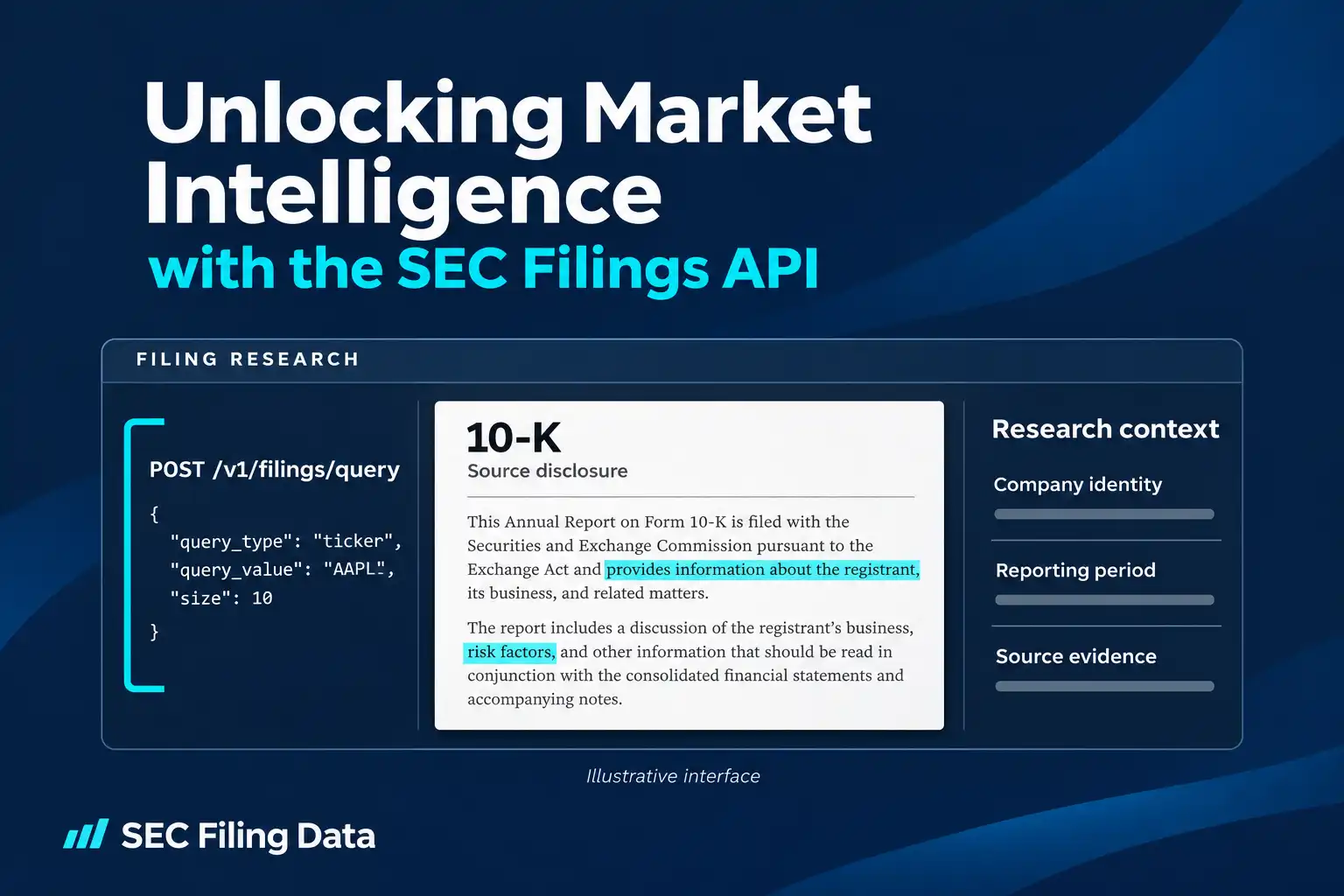
A company’s SEC filings can reveal changes in its financial position, risk disclosures, leadership, ownership, and significant events. An SEC filings API makes that public record easier to search and use in repeatable research workflows. Instead of manually opening filing pages one by one, an investor, analyst, researcher, or developer can request matching filing records and incorporate them into a review process or application.
The data still needs careful interpretation. A filing records what a company or other filer reported; it does not tell you by itself what a disclosure means for a security’s future price.
What an SEC filings API does
An API, or application programming interface, lets software request data from another service in a defined format. For SEC filing research, the request might identify a company by ticker, Central Index Key (CIK), or company name, or look for a particular filing type. The response can provide matching filing records and links to available source material.
A quick reference can help you match a research question to the type of information or document you need to review.
| Research need | Relevant data or document |
|---|---|
| Find and filter a filing | Filing metadata identifies records by filer and attributes such as form type or filing date. |
| Read the disclosure | The original SEC filing and relevant exhibits contain the submitted narrative and attachments. |
| Keep a readable copy | A generated PDF is a reading copy; it is not the original filing or an archival record. |
| Compare tagged financial facts | XBRL data provides machine-readable facts and context, not the complete filing narrative. |
The SEC’s EDGAR system is the original public source of filings. SEC.gov provides free search and direct access to those filings, plus its own APIs for company submissions and certain extracted financial data. SEC Filing Data is a third-party provider that offers its own API tools for searching filing metadata and accessing other supported data products. The provider’s SEC EDGAR API page describes its services; developers should use the relevant endpoint documentation to confirm exactly what a particular request supports.
The phrase “SEC API” can refer to different things. The SEC’s public data APIs serve company submission histories and extracted XBRL facts. The SEC also has separate APIs for filers to manage users, check submission status, or submit filings. A third-party filing search API is another service. Choose the documentation for the task you actually need.
From a research question to useful data
A productive search starts with a question, not a large download. Decide whether you need a filer’s history, a particular form, a filing within a date period, or a source document to read.
For instance, “Did this company report a material event?” could lead you to search its filing history and review relevant 8-K records. “How did the company describe liquidity this year?” requires opening and reading the filing itself; a metadata search identifies records by their attributes, while the filing document provides the disclosure text.
The Query API returns matching records in JSON, with filing metadata, filer information, and available SEC source links. A search result helps identify the record; the filing document supplies the disclosure and its surrounding context. The SEC Query API documentation lists the supported request fields, authentication, and request examples.
For endpoint details when a workflow needs to retrieve filing materials or generate a PDF, consult SEC Filing Data’s SEC filing download and PDF generation documentation. Confirm source availability before relying on a document operation.
A practical workflow for API research
A repeatable process helps prevent a plausible-looking result from being attached to the wrong company or period.
- Define the question. Decide whether you need filing history, a form category, a specific record, or structured financial data.
- Identify the filer. Use a ticker, CIK, or company name supported by the selected endpoint. Confirm the returned filer is the company or entity you intended; similar names and related entities can be confusing.
- Choose search criteria. Select the appropriate metadata field and value. Add pagination and sort order when retrieving more than one page of results.
- Review the returned records. Use the record details and available SEC source links to select a filing. Keep its filing date distinct from the reporting period it covers.
- Read the source. Open the relevant document and any important exhibits. Check whether a later amendment or filing changes the context.
- Record your evidence. Retain the filer identity and link to the SEC source with your notes, and make clear which parts are observed facts and which are your interpretation.
The API documentation specifies from as a starting offset and size as the number of results, up to 100 per request. Its examples use sort_order values of ASC and DESC. The documentation also shows startDate and endDate in an example payload, but does not clearly define the accepted date format or boundary behavior; verify those details before relying on date filtering in production.
Practical examples
The examples below illustrate workflows supported by the current documentation. The code shows a ticker search using the documented Query API endpoint, request method, authentication header, and JSON fields. It prints the response rather than assuming a particular response schema or sample result.
Example 1: Find filings for a company ticker
Goal: Retrieve filing records associated with a ticker, such as AAPL.
Inputs and action: Send a JSON POST request using query_type set toticker, the ticker as query_value, and a result limit. Store the API token in an environment variable rather than placing a real secret in source code.
import os
import requests

url = "https://api.secfilingdata.com/v1/filings/query"
token = os.environ["SEC_FILING_DATA_API_TOKEN"]

payload = {
    "query_type": "ticker",
    "query_value": "AAPL",
    "from": 0,
    "size": 10,
    "sort_order": "DESC"
}

response = requests.post(
    url,
    headers={
        "Authorization": token,
        "Content-Type": "application/json"
    },
    json=payload,
    timeout=30
)
response.raise_for_status()
print(response.json())
How to interpret it: The response is a set of matching filing records in JSON. Review the filer identity and filing details, then follow an available SEC source link to read the underlying document. The example does not assume which filing will be newest when you run it.
Example 2: Narrow a search to a form type
Goal: Locate records associated with a form category, such as 10-K or 8-K.
Inputs and action: The documentation lists formType as a supported query_type; set query_value to the form type and use from, size, and sort_order to manage the result list. The API documentation describes one query_type and one query_value per request, so do not assume that a ticker and form type can be combined in one request without checking the current supported query syntax.
How to interpret it: A form type tells you what kind of filing to inspect, not what conclusion to draw. A 10-K is an annual report, a 10-Q is a quarterly report, and an 8-K reports specified events and other disclosures. Read the filing and confirm the filer and period before comparing its contents with other records.
Example 3: Monitor for new records
Goal: Keep a research list current when new filings appear.
Inputs and action: One option is to run a documented Query API search for a company or form type at intervals appropriate to your plan and workflow. Compare newly returned records with the records already saved, using stable filing identifiers when available, then send genuinely new items to a review queue. SEC Filing Data also advertises real-time filing alerts and webhook notifications; check current product documentation for their availability and supported use before relying on them.
How to interpret it: A new filing is a prompt to inspect a disclosure, not proof that the company’s outlook or security value changed. Respect your plan’s limits and confirm update timing in the documentation; no polling interval is guaranteed here.
Example 4: Move from a filing to structured financial data
Goal: Analyze tagged financial information without treating a filing document as a spreadsheet.
Inputs and action: First, locate the filing and its SEC source document. For supported XBRL filings, SEC Filing Data’s separate converter documentation describes submitting a filing URL to its XBRL-to-JSON product. The XBRL-to-JSON converter documentation describes the supported input forms and the kinds of financial statements returned.
How to interpret it: Structured output can help organize and compare tagged facts, but check periods, units, labels, and any company-specific extensions. A converted data object does not replace the source filing, and it may not include every relevant explanation in the narrative or footnotes.
Turning filing records into market intelligence
The value comes from connecting a clear question to the underlying evidence. An analyst might compare annual filings to see how a company’s risk language or financial position changes. A researcher might build a dataset of filings by form and period. A developer might display new filing records in an internal review tool, with source links preserved for users.
In each case, separate three layers in your notes: what the API returned, what the filing actually states, and what you infer from it. For example, two events occurring close together do not establish that one caused the other. A risk factor describes a possible risk, not proof that it has occurred. A filing timestamp tells you when a report was filed, not necessarily when every described event began.
When interpretation depends on accounting detail, read the statements, definitions, footnotes, and reporting period together. XBRL concepts can vary, and reported figures may not be directly comparable without checking units, periods, and context.
Practical limits and responsible use
SEC filings are disclosures, not forecasts. They can help investors and analysts ask better questions, compare what a company has reported over time, or investigate a defined event. They cannot guarantee investment outcomes, and an observed association between a filing and a market move does not prove causation.
Also keep the source and the data product straight. SEC.gov remains the source of EDGAR filings. A third-party API can make selected discovery or processing tasks easier, but its endpoint coverage, update behavior, usage terms, and output depend on the service and plan. For direct SEC research, the SEC’s EDGAR filing search provides company and filing search, while its EDGAR API documentation explains the SEC’s own submissions and XBRL APIs.
Useful takeaway: use API results to find and organize evidence; use the original filing and its context to decide what that evidence means.
To explore the SEC Filing Data workflow, review the endpoint documentation and confirm its fields and terms against your use case before integrating it.
