
Smart investment decisions are the cornerstone of financial well-being. Understanding how to search SEC filings effectively can transform your investment research process and give you a competitive edge. Whether you’re conducting due diligence on a potential investment or monitoring existing positions, SEC filings provide crucial insights into company performance, risks, and financial health.
According to the US Securities and Exchange Commission, even a basic review of 10-K filings can reveal “a company’s business, the risks it faces, and the operating and financial results for the fiscal year or quarter,” helping you stay ahead of market developments. From insider transactions to material events, knowing how to navigate these essential documents can make the difference between an informed decision and a costly mistake.
In this guide, we’ll explore essential strategies for searching SEC filings effectively. You’ll learn how to navigate the EDGAR system, understand key filing types, and discover advanced search techniques that can save you time while uncovering valuable information.
Using SEC.gov to Search EDGAR Filings
If you want to get your information straight from the source, use SEC Edgar to search for filings.
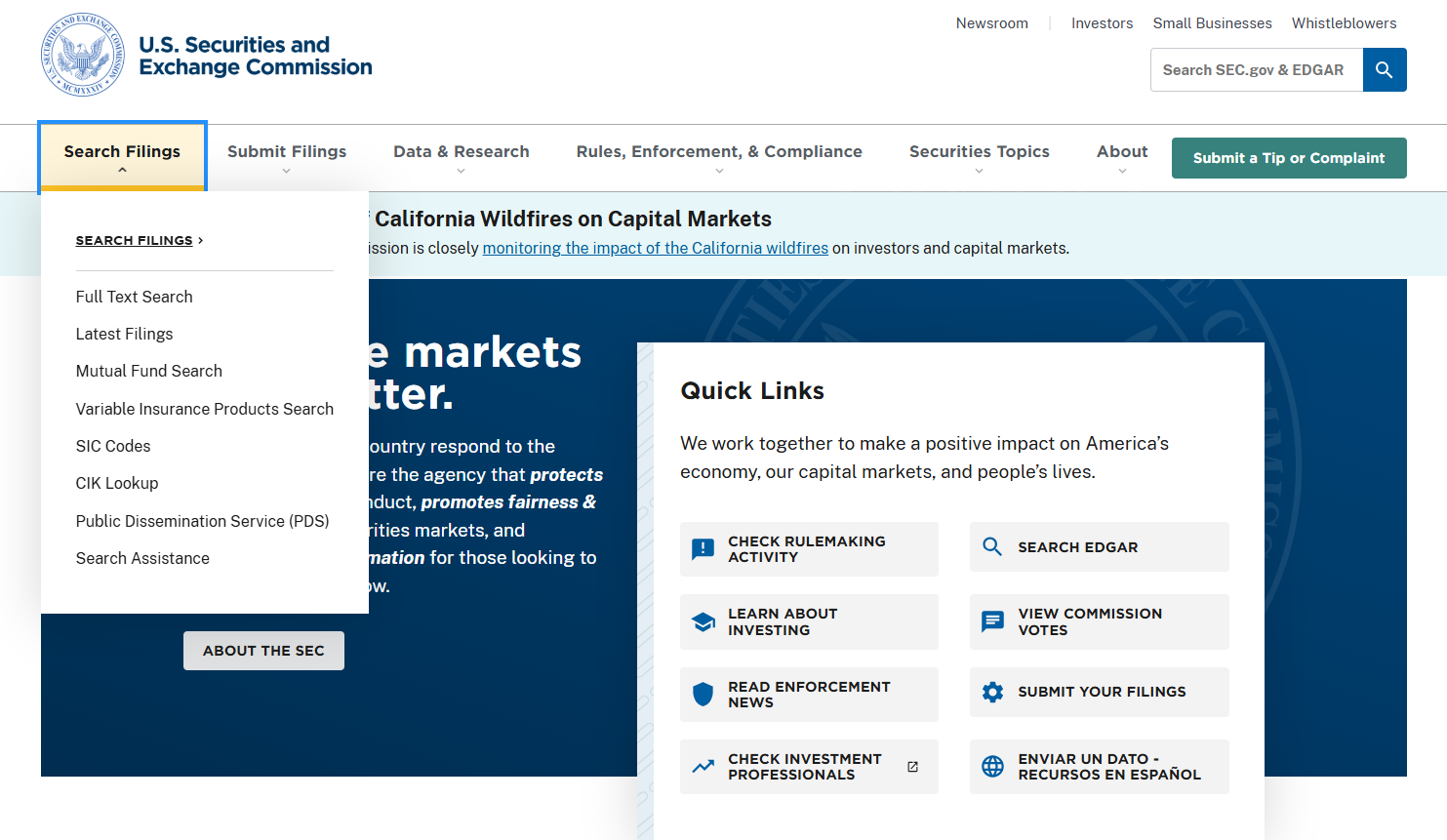
1. Go to SEC.gov and select Search Filings near the top of your page.
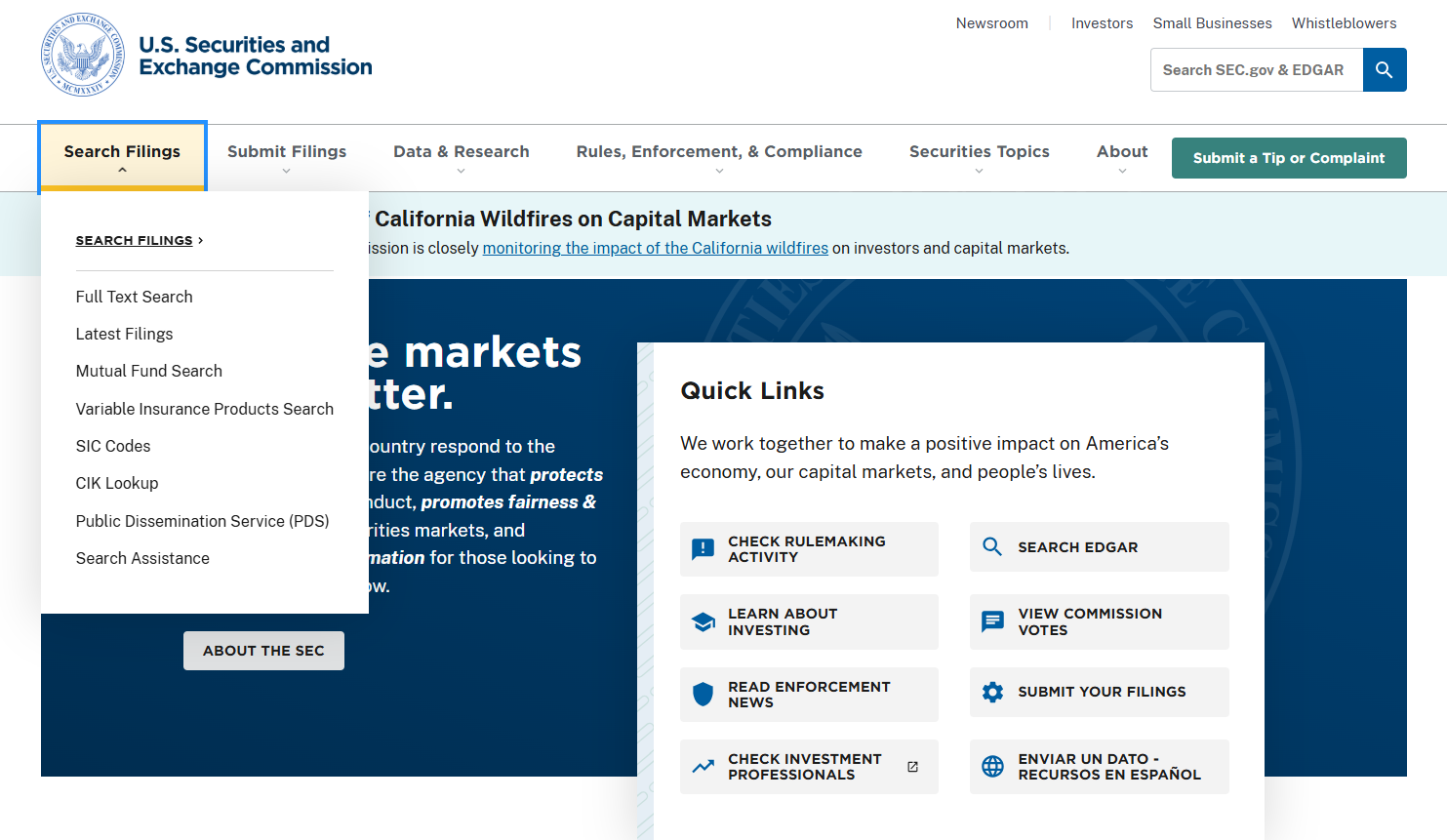
2. Select Search Filings in the drop-down menu.
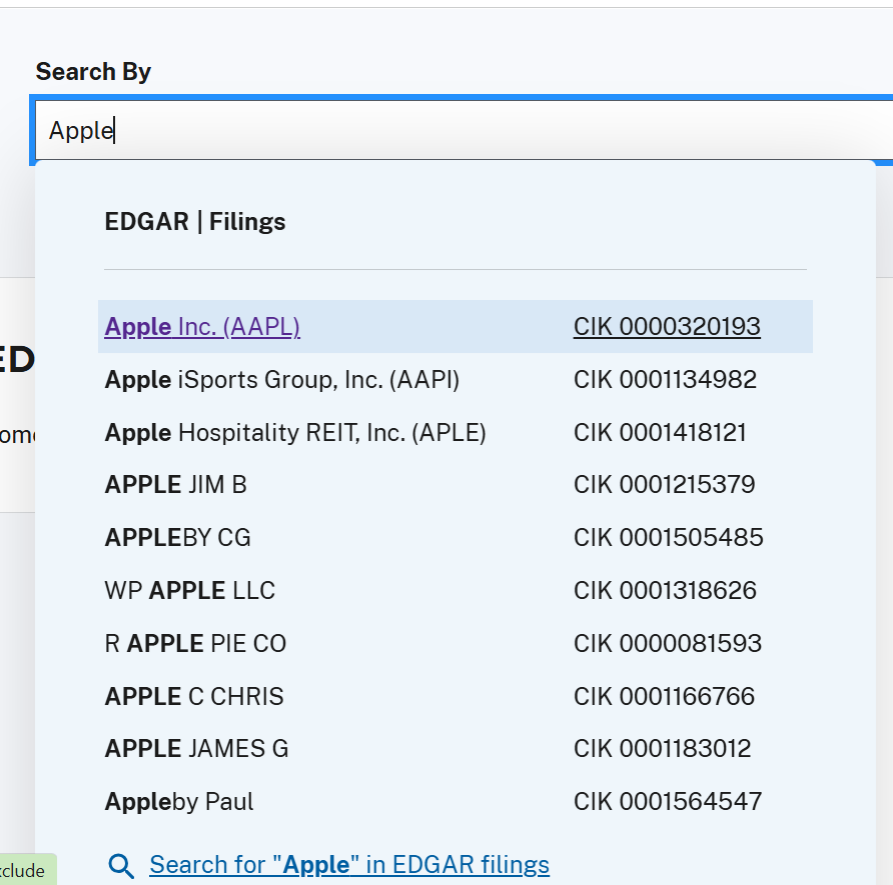
3. Type your company name, ticker, or CIK into the search box. Find your company name in the drop-down menu and select its CIK.
4. Select Submit next to the search box.
5. Find your company name in the search results and select its CIK to view its filings.
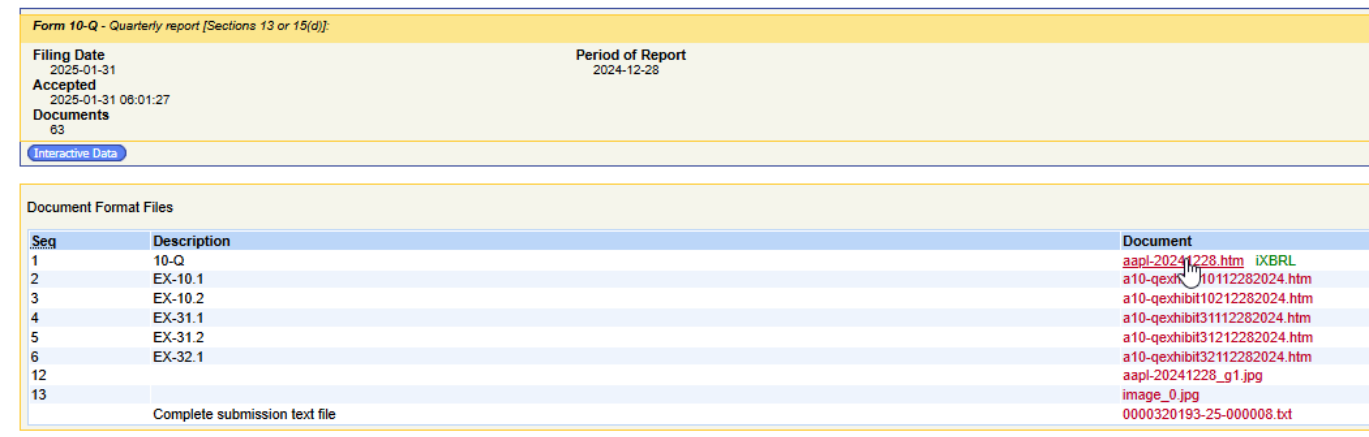
6. To view a specific filing, find your form type under Filings and select Documents.
 7. Find your form type under Description and select the linked form under Document.
Using SEC Filing Data to Search EDGAR Filings
Want to skip the hassle? SEC Filing Data’s user-friendly interface scans SEC EDGAR for you. There is no need to manage filters or download files when SEC Filing Data keeps everything all online and all in one place.
1. Go to secfilingdata.com and type your company name, ticker, or CIK into the search box.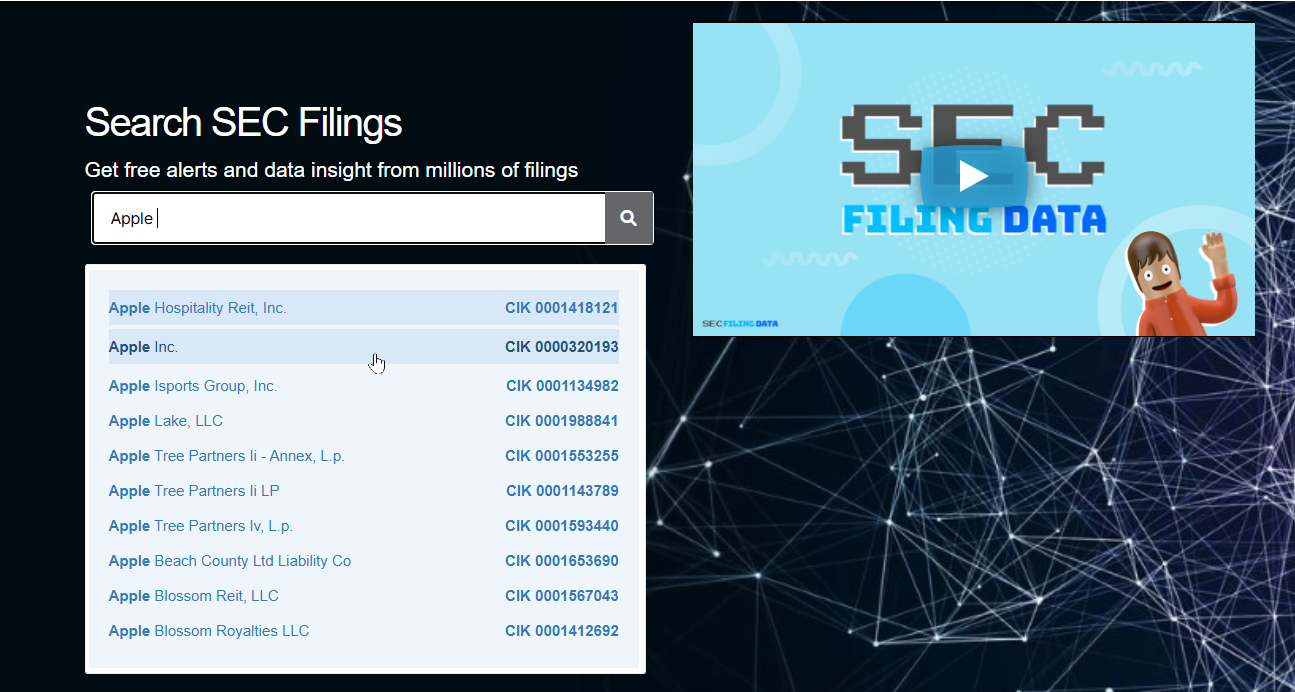 2. Press enter on your keyboard or select the magnifying glass
3. Select your company name from the menu to view your company’s filings.
4. To view a specific filing, find your form type under Form and select View.
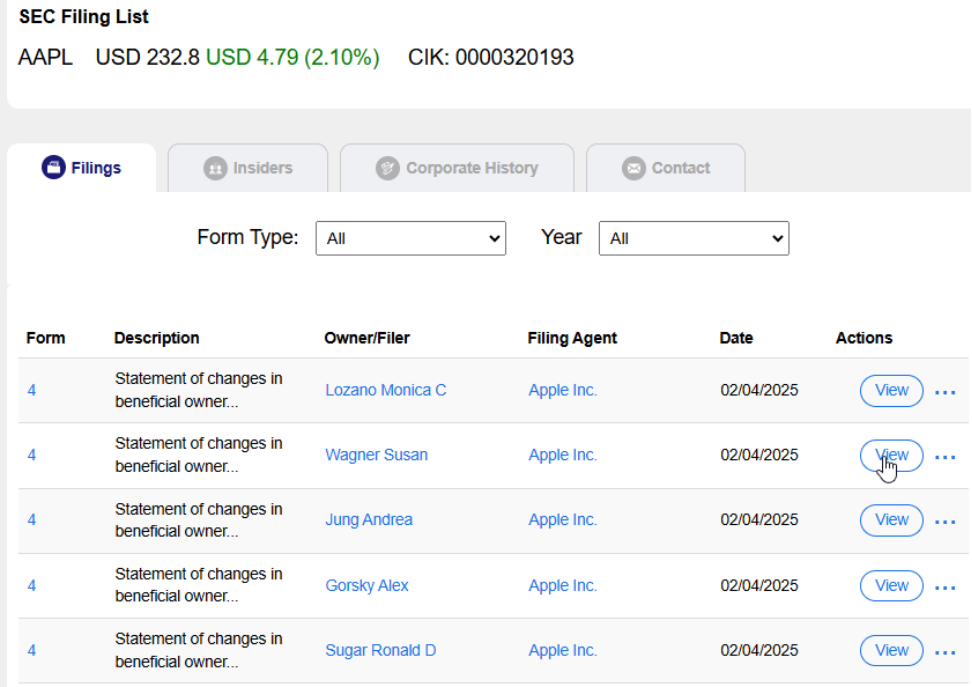 Tip: Use the Favorite button to save your search.
Creating email alerts
To make staying up to date with your favorite companies even easier, sign up for our free email alerts. Our algorithms will do the work for you and deliver the filings and insights you need right to your inbox.
1. To create an email alert for a specific company, log in to your SEC Filing Data account.
2. Type your company’s name into the search bar.
3. Press enter on your keyboard or go to the magnifying glass.
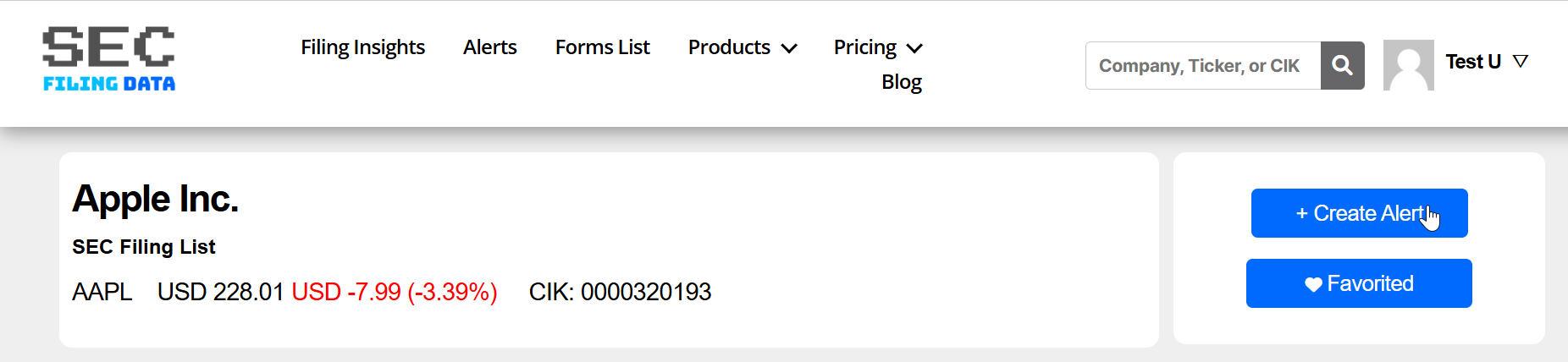
4. Select the Create Alert button in the upper right corner of your page.
Customizing your alerts
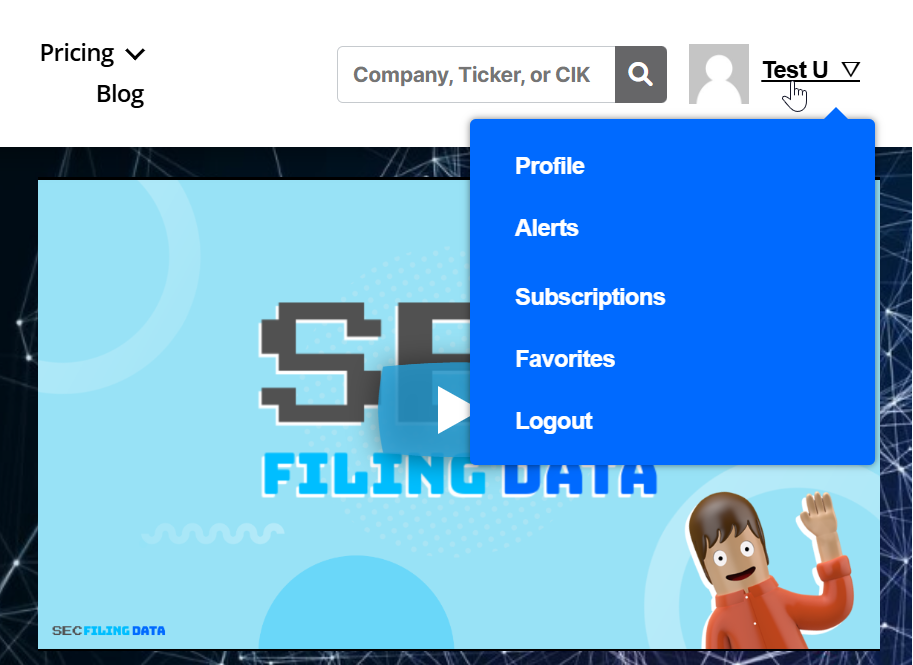
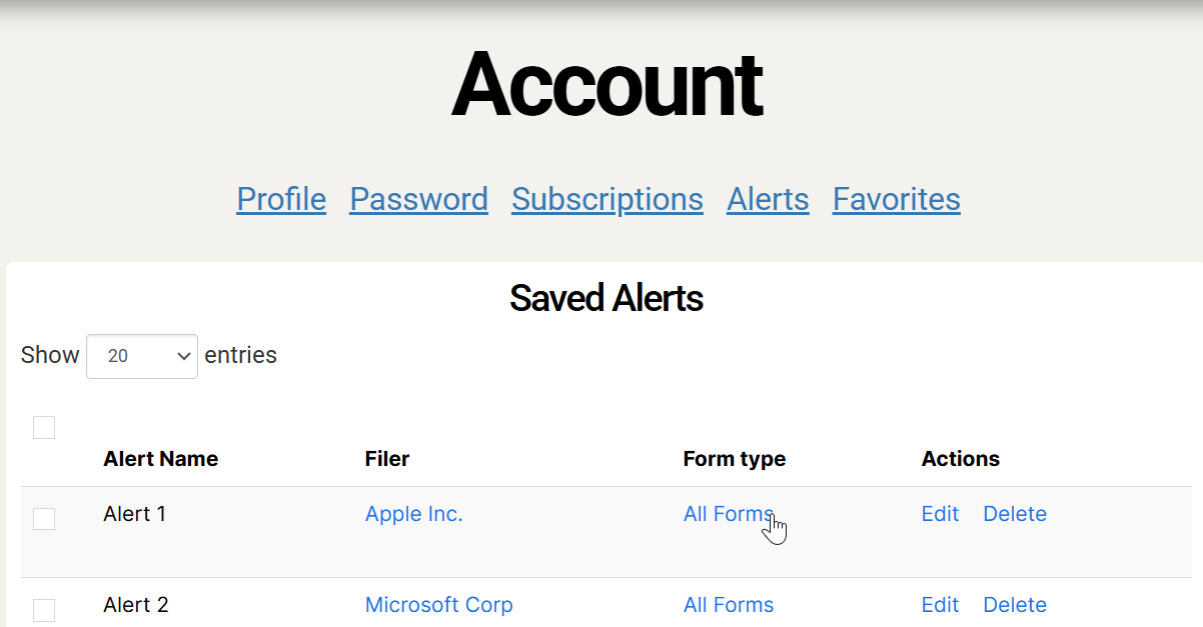
To see your alerts, move your cursor over your username at the top right corner of your page and select Alerts from the drop-down menu.
1. On mobile, tap on your username and select Alerts under the Account tab.
2. If you do not want alerts for every new filing from your company, select All Forms to filter by form types.
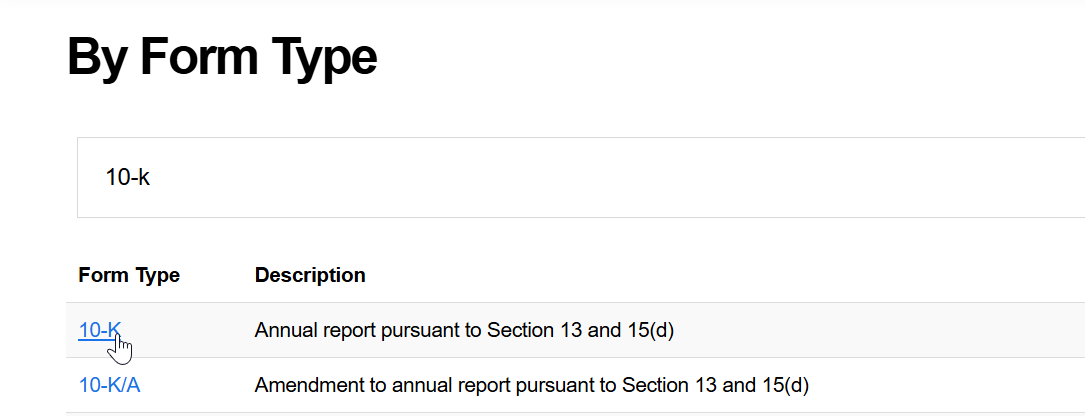
3. Type the form type (10-Q, 10-K, 8-K, etc.) into the search bar and press enter on your keyboard.
4. Select your form type from the search results.
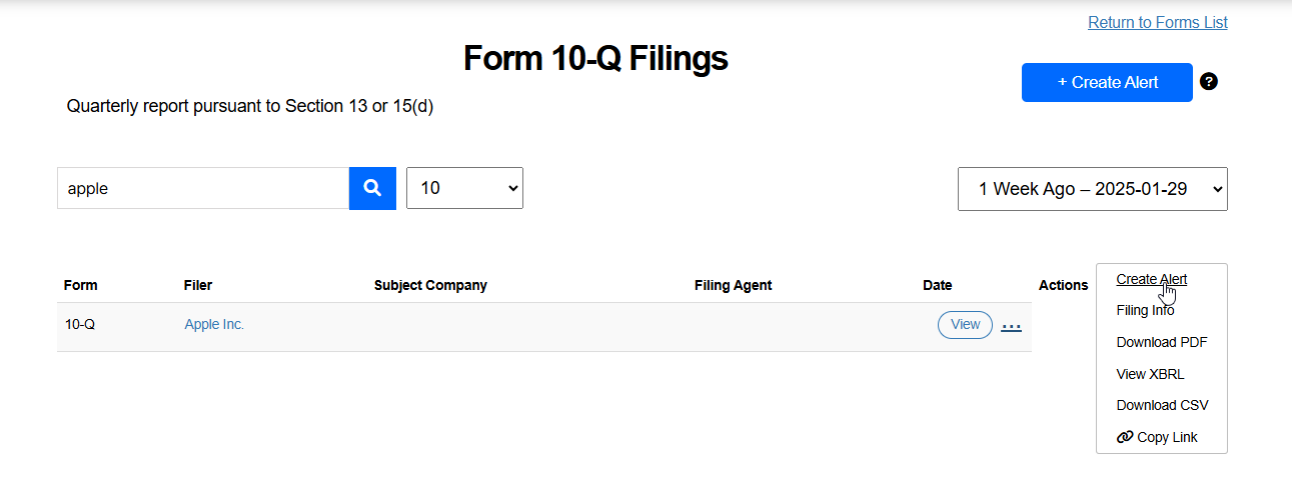
 5. Type your company name into the search bar and select the magnifying glass, or press enter on your keyboard.
6. Select the three dots next to View and select Create Alert from the drop-down menu to create an email alert for your form type
 Tip: Use Edit to rename your alert.
Searching by form type
1. To search by form type, select Forms List at the top of your page.
2. Type your form type or description into the search bar and press enter on your keyboard.
3. Below the search bar, select your form type from the search results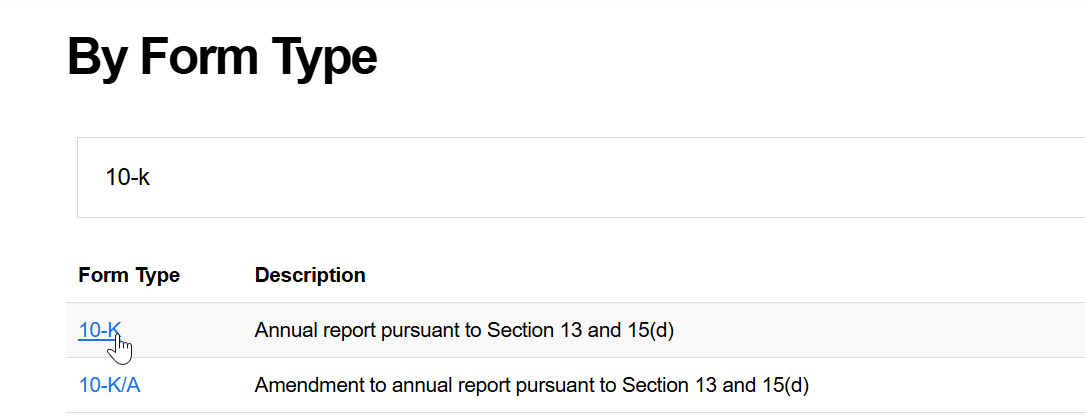
4. Under Actions, select View to view your form type.
5. Optional: select Create Alert near the top right corner of your page to create an email alert for your form type.
Using filing insights
Want more information about your filings? SEC Filing Data has you covered. Our insights include new insiders, new IPOs, and more. With our insights, hidden gems for your portfolio are just a click away.
1. To access SEC Filing insights, select Filing Insights at the top of your page.
2. Select your insight from the menu.
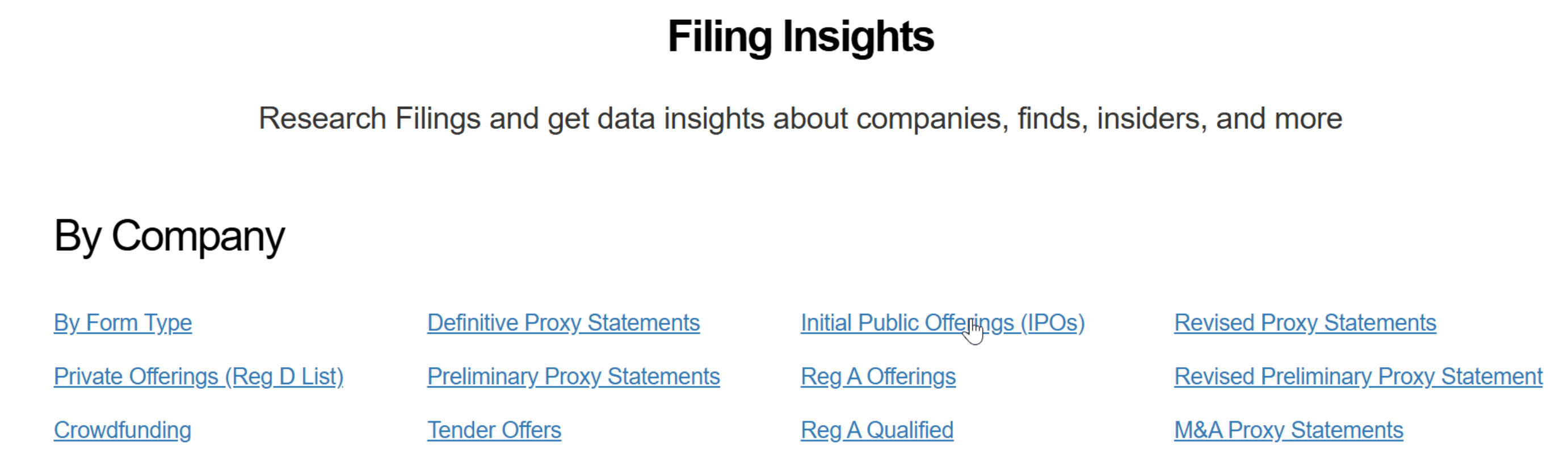
3. Select View under Actions to view your filing insight
Tip: Check out our blog for even more detailed insights. We can provide advice from what to look for in 10-Q filings to how to find the best IPOs.
Using SEC Filing Data’s API Services
For more information, go to our products page. You can get an overview of our products featuring SEC Filing API, Website Development Data & Widgets, and Premium Contact Data. Our data tools will help you get the most out of your SEC filings.
1. To view our products, select Products at the top of your page.
2. To learn more about a product, select Learn More on lower right side of your screen.
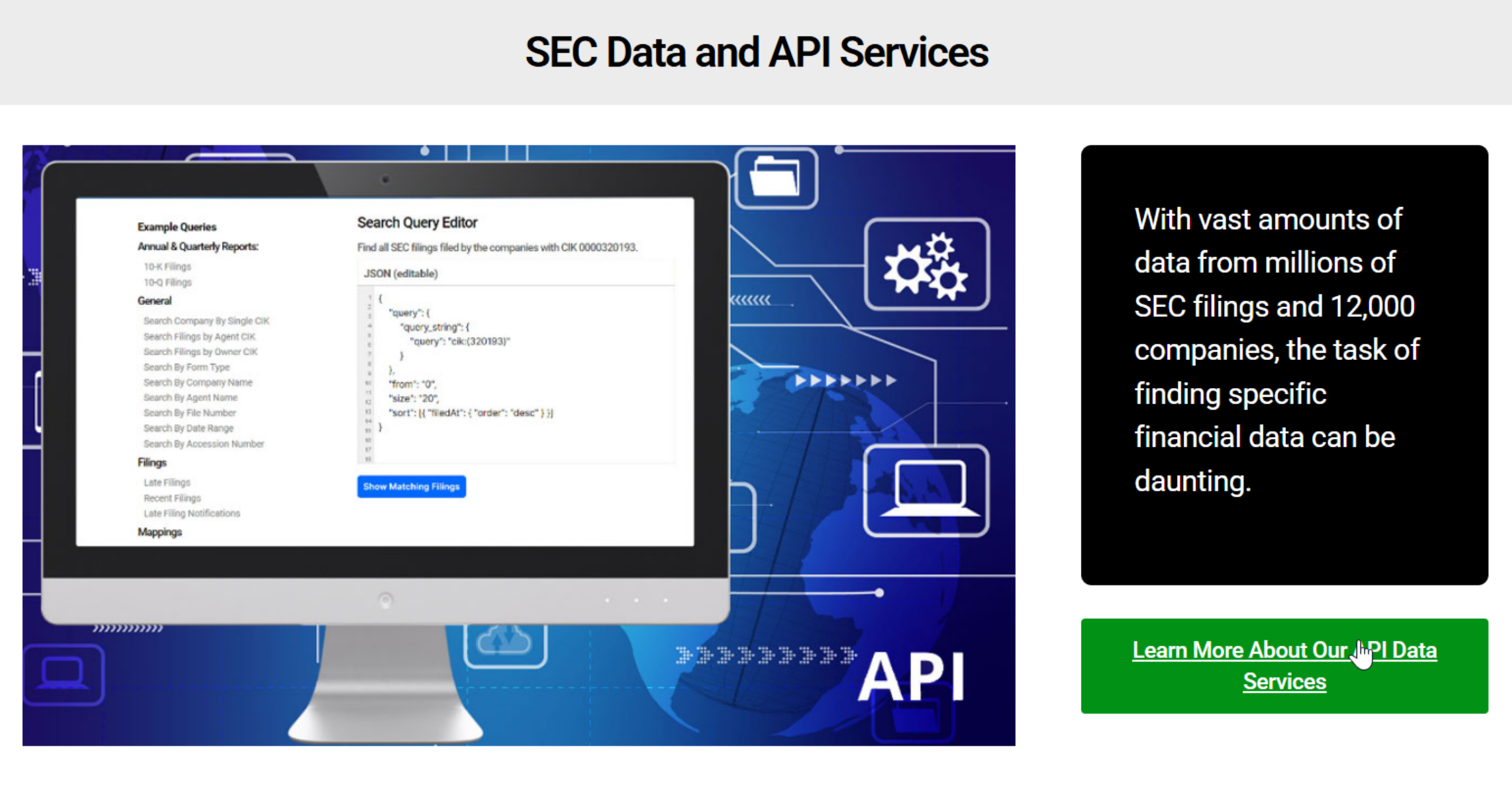 3. Optional: For more details on our products, use our contact form to schedule a demo.
Tip: To get unrestricted website access and more, sign up for one of our subscriptions. We have plans for personal, research, and business use so you only pay for what you need.
