
Securities and Exchange Commission filings are public disclosures that help readers understand a company’s operations, finances, risks, ownership, and important events. They are useful only when you find the right filer and period, open the relevant document, and read the surrounding context. SEC.gov’s EDGAR system is the source of filings. SEC Filing Data is a third-party service that offers a company, ticker, or CIK lookup to find filing records.
Choose the filing that answers your question
Start with the question. A filing search is more effective when you know whether you need annual performance, a recent event, voting details, or a reported ownership change.
| Question | Start with | What to review |
|---|---|---|
| How did the company perform this year? | Form 10-K | Annual results, MD&A, risk factors, financial statements, and notes. |
| What changed in the latest quarter? | Form 10-Q | Interim statements and updates to MD&A, risks, and other disclosures. |
| What happened recently? | Form 8-K | The relevant numbered item and related exhibits; deadlines vary by item. |
| What are shareholders being asked to vote on? | DEF 14A | Proposals, voting standards, record date, and relevant ownership or compensation information. |
| What ownership changes did insiders report? | Forms 3, 4, and 5 | Form 3 initial holdings, Form 4 most changes, and Form 5 annual reporting of certain deferred or unreported items; check transaction type, dates, ownership, and footnotes. |
The SEC’s Forms Index lists the official forms. A form is a starting point, not a complete account of every company issue.
Find the right company and filing
Search for the company by legal name, ticker, or Central Index Key (CIK). A CIK is the SEC’s filer identifier; it helps distinguish a company from similarly named entities and keeps a historical search anchored when names or tickers change. Confirm the legal name and filer before relying on a result.
On SEC Filing Data, enter the company name, ticker, or CIK in the filing search tool to locate the company’s filing record. The public page describes filings from 1994 to the present. Treat its listing as a discovery aid: open the linked source filing on SEC.gov when you need to verify what the company actually reported. Search SEC filings
To find recent SEC filings, first decide whether you want the newest filings across issuers or the latest filing for one company. Narrow the results by form and date where those filters are available, then check whether an amendment or follow-up filing appeared. A filing date tells you when a document was submitted; it is not necessarily the date of the event or the period described inside it.
Read the filing in a repeatable order
Once you open a likely result, use this sequence:
- Confirm identity and form. Check the filer’s legal name, CIK, form type, and whether the form ends in “/A,” which indicates an amendment.
- Record both dates. Note the filing date and the reporting period or event date stated on the cover page. Hypothetical example: a 10-K filed in February may cover a fiscal year that ended the prior December.
- Use the table of contents. Go straight to the sections related to your question, but keep the document’s structure in view.
- Read nearby material. Include the paragraphs before and after a search match, relevant tables and footnotes, and any exhibit that supplies details.
- Compare with earlier or later filings. Look for changes in wording, assumptions, figures, and amendments rather than treating a single disclosure as the whole story.
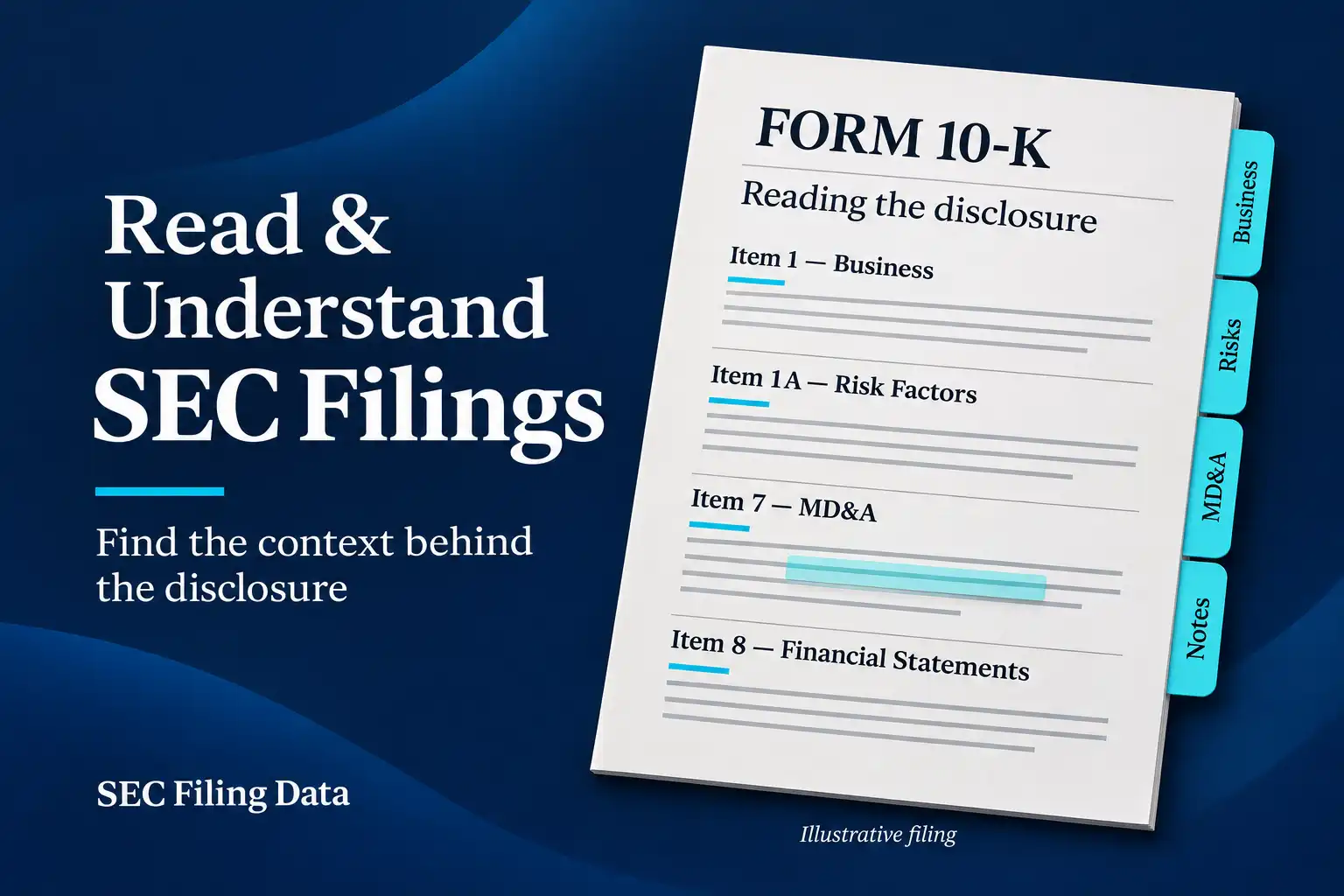
In a 10-K, Item 1 explains the business; Item 1A covers risk factors; Item 7 is usually MD&A; and Item 8 contains financial statements and notes. The MD&A gives management’s explanation of results, liquidity, and trends. Compare those explanations with the income statement, balance sheet, cash flow statement, and footnotes. Hypothetical example: rising net income alongside falling operating cash flow is a reason to inspect working capital and accounting notes; by itself, it does not prove that reported earnings are unreliable.
The 10-Q is shorter, but it is not simply a three-month scorecard. Check the period for each statement and whether figures are presented for a quarter, year-to-date period, or both. Compare the same fiscal quarter year over year as well as sequential periods where useful. Fiscal quarters do not always match calendar quarters.
An 8-K is organized around numbered items. Identify which item the company is reporting, then open the filing index and review related exhibits. An earnings release, contract, or presentation attached as an exhibit may explain a headline event, but it remains supporting material attached to the filed report. Check for a later 8-K or amendment before concluding that the first filing is the last word.
Use targeted searches for different research jobs
SEC Filing Search Methods for Auditors
For an audit-focused search, start with the company and form, then add a few terms related to the question under review. Hypothetical auditor example: an auditor reviewing a client’s disclosures identifies the company by CIK, reviews the latest 10-K and 10-Q, and searches within them for “material weakness,” “change in accounting estimate,” or a relevant debt covenant. The auditor verifies each passage against the statement, note, exhibit, and period it refers to. A keyword hit is a lead, not an audit conclusion; absence of a hit does not establish that a topic is absent.
The EDGAR database search techniques offer a related workflow for narrowing a research question to the issuer, form, date range, and evidence location.
Checking insider transactions
To research insider activity, search Forms 3, 4, and 5 for the issuer and relevant reporting person. In a Form 4, compare the transaction date with the filing date; most Form 4 reports are due within two business days after a transaction. Read the transaction code, security type, whether ownership is direct or indirect, post-transaction holdings, and footnotes. An award, option exercise, tax-related disposition, gift, or planned sale can have a different meaning from an open-market purchase.
To look for patterns in reported insider transactions, compare transaction types and amounts across multiple reports with the insider’s remaining ownership and company disclosures. Reported transactions alone do not establish intent, wrongdoing, or future stock performance. The insider transaction tracker is a way to review recent reported activity; verify important details in each source Form 4 and its footnotes.
Finding shareholder and voting information
To find shareholder and voting information, open the latest DEF 14A and search for “proposal,” “record date,” “votes required,” “beneficial ownership,” and “executive compensation.” Read the actual proposal text, the board’s recommendation, voting standards, and any ownership table. A 10-K may point to a proxy statement for some Part III details, so follow that reference if information is incorporated by reference. The Definitive Proxy Statement can help locate definitive proxy submissions; the SEC filing explains the company’s specific proposals and terms.
Interpret what the document can and cannot tell you
Filings contain company-prepared statements under SEC disclosure requirements. The SEC makes filings publicly available and reviews filings for compliance, but does not certify every statement as accurate. Management’s outlook may include estimates and forward-looking statements that depend on assumptions and risks. A risk factor describes a possible uncertainty; it is not proof that the event has happened. An MD&A explanation is management’s account, while the statements and notes show reported financial information under the stated accounting basis.
Keep source facts separate from your interpretation. Record the form, company, filing date, period covered, accession number, and the section or exhibit supporting a conclusion. If structured financial data or a generated PDF helps with navigation, compare it with the original filing and its context: metadata, extracted figures, and a rendered copy are not the same as the SEC-submitted document.
Common Filing Research Mistakes
Do not confuse the filing date with the reporting period or event date. A search result is only a pointer: read the full filing in context, and check for amendments, exhibits, and footnotes. Compare like fiscal periods and avoid broad conclusions from one filing. Treat management commentary as the company’s explanation, then check it against reported figures and notes.
A useful filing search ends with a traceable passage, the right reporting period, and a conclusion that stays within what the document supports.
To build a useful picture, move between periodic reports, current reports, proxy materials, and ownership filings as the question requires. Start at EDGAR, use a search service to find the right record, and return to the complete filing before concluding.
